Quick note before we dive in: if you’d rather skip the search entirely, you can hire a dedicated video editor through Vidpros on a monthly subscription. You get a set amount of editing time each month from an assigned editor who works with only four clients at a time — a 1:4 ratio, so you’re not queued behind dozens of other people.
Okay — now let’s look at the sites.
The bigger YouTube gets, the higher the bar goes. Two or three years ago you could shoot on your phone, make a few basic cuts, and call it done. Viewers expect more now, the algorithm pushes polished videos up and rough ones down, and the creators you’re competing with have already made the jump.
Where do you actually find freelance video editors who can edit your videos well?
You want someone who can turn raw footage into a story worth watching. Someone who knows their way around the right video editing and animation tools. And most importantly, someone who’s still around when you need your next video cut.
This guide covers every route creators actually use — big freelance marketplaces, portfolio sites, subscription services, and full production agencies. They work in completely different ways, they charge in completely different ways, and the right one depends on your budget and how often you publish.
If you’re earlier in the process and still working out how to hire a video editor — what skills to look for, what to ask in an interview, and which red flags matter — we’ve got a full step-by-step guide on that too.
Here’s where to look.
YT Jobs
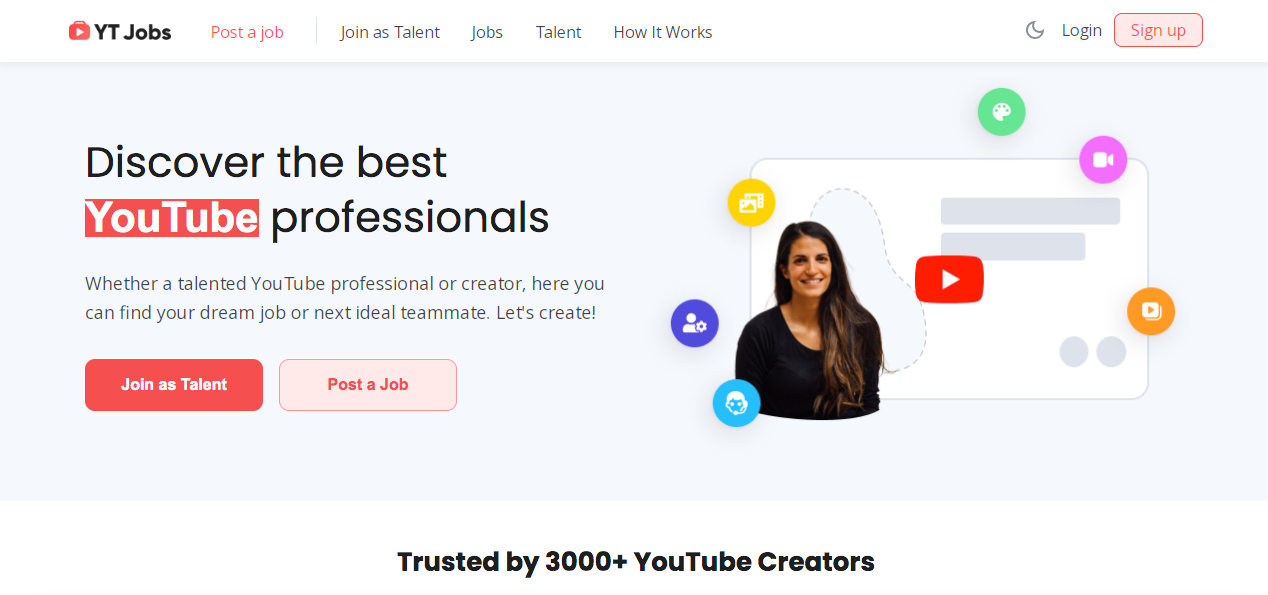
If you’ve ever posted a job on Upwork and found yourself competing for attention with people hiring developers and graphic designers, this is the alternative. YT Jobs is built for one thing: YouTube video work. Members post jobs, editors apply. That’s it.
On paper it looks strong — over 500,000 registered users and growing, roughly 10,000 open jobs at any given moment, and the site reports that more than 70% of its freelancers land ongoing work. Average pay sits around $30/hour, which is fair given how cheap and simple the platform is to use.
Here’s how it actually works:
- Signing up is free.
- Post exactly what you’re looking for.
- Set your budget.
- Wait for editors to apply.
- Browse portfolios and message people directly. Every portfolio links out to real YouTube videos, so you can tell in about a minute whether someone matches your style.
Two things stand out about the editors here. First, they edit for YouTube specifically, so they understand retention pacing — how to cut so people keep watching. Second, they’re used to mobile viewers and adapt their edits for small screens. You won’t spend an hour explaining what a jump cut is or why the first thirty seconds decide everything.
Two things work against it. The platform is relatively new, so the bench isn’t as deep as Upwork’s. And vetting is light — anyone can sign up and call themselves a YouTube editor, so genuinely good people sit next to beginners with three edits to their name.
Use it for project-based work. Need a batch of videos cut? A series? One big project? Perfect. Need someone to deliver one video a week for the next twelve months? You’ll probably want something with better organization and communication built in.
All communication stays on the site, and it’s fine — no project management tools, no automated reminders. You and your editor will work out your own system.
Should you try it? Yes, especially if you’re a YouTuber. Because YT Jobs only does video, you’re far more likely to find someone who actually gets what you’re making. Just don’t expect the polish and support of a bigger platform.
Average rate: most editors quote by project rather than by the hour; the site reports an average around $30/hour.
Best for: YouTubers who want an editor who already understands retention pacing and YouTube formats, for a defined project or batch of videos.
Vetting tip: vetting is light here, so do your own. Ask for published YouTube videos they cut — not a raw editing reel.
Upwork
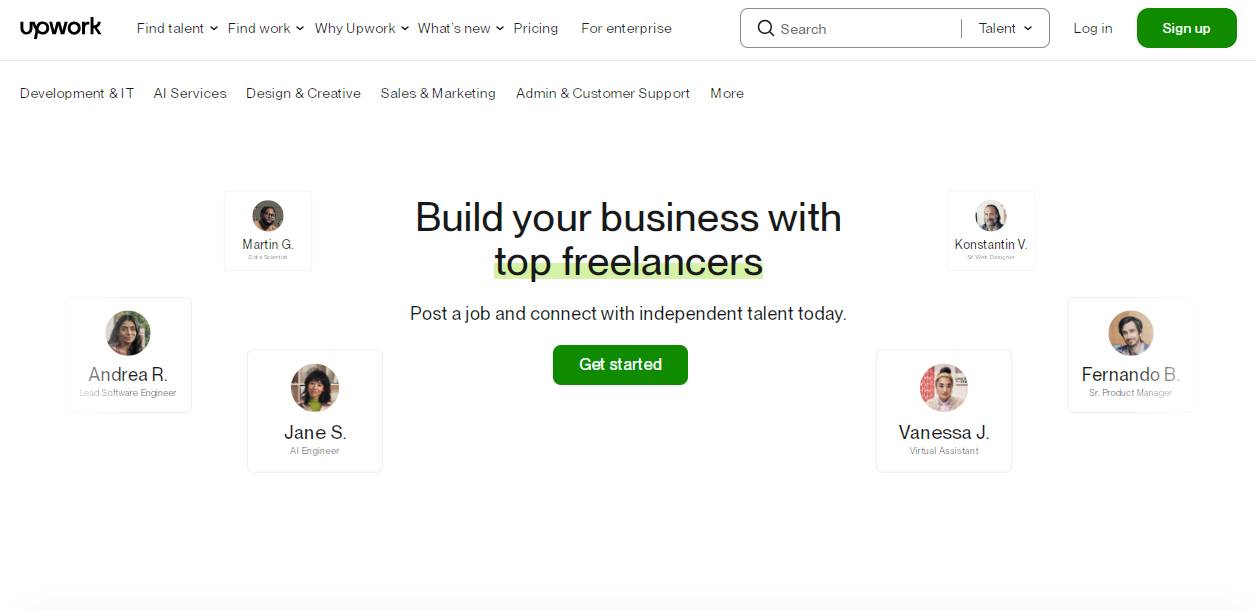
Upwork is what you get when Elance and oDesk merged back in 2015. It’s also where you’ll almost certainly end up if you search “hire a freelancer online,” because most roads lead here. With 18 million freelancers, more than 800,000 clients, and billions of dollars flowing through it annually, it’s a behemoth.
Posting a job and collecting proposals is easy. Finding someone good takes longer. You’ll sort through dozens of proposals from all over the world at wildly different experience levels and price points — some thoughtful, some clearly copy-pasted and barely referencing what you asked for.
Expect to put in real time. You’ll review portfolios, read past client feedback, and try to work out whether a 4.9-star rating is earned or thin. Strong editors get booked fast, so the ones still visible are often either new or available for a reason.
The upside is scale. Need someone who specializes in social cutdowns or gaming content? They’re here. Want an editor who works in DaVinci Resolve, Avid Media Composer, or Premiere Pro? Also here. You can even filter by location if you want someone in your timezone. If you’re specifically weighing this against the gig model, we’ve compared Upwork and Fiverr head to head.
Payment protection is solid — funds sit in escrow until you approve the work. And once you find someone good, it’s easy to keep hiring them without reposting the job.
The trade-off is your time in exchange for options. Budget a couple of hours reviewing proposals and messaging candidates before you find the right one. You’ll hit a few duds, and some people vanish after a single project. But once you find your person, Upwork makes the relationship easy to maintain.
Typical rate: Upwork no longer charges a flat 10%. Client-side fees now run on a sliding scale from 0–15%, with most landing near 10%. Editor rates range roughly $20–$75/hour depending on experience and niche.
Best for: anyone who wants the largest possible pool of editors, across any software or specialty, and is willing to spend time evaluating applicants.
Vetting tip: Job Success Score matters more than star rating. Look for 90%+ JSS and meaningful total hours billed, not a 4.9 built on three reviews.
Fiverr
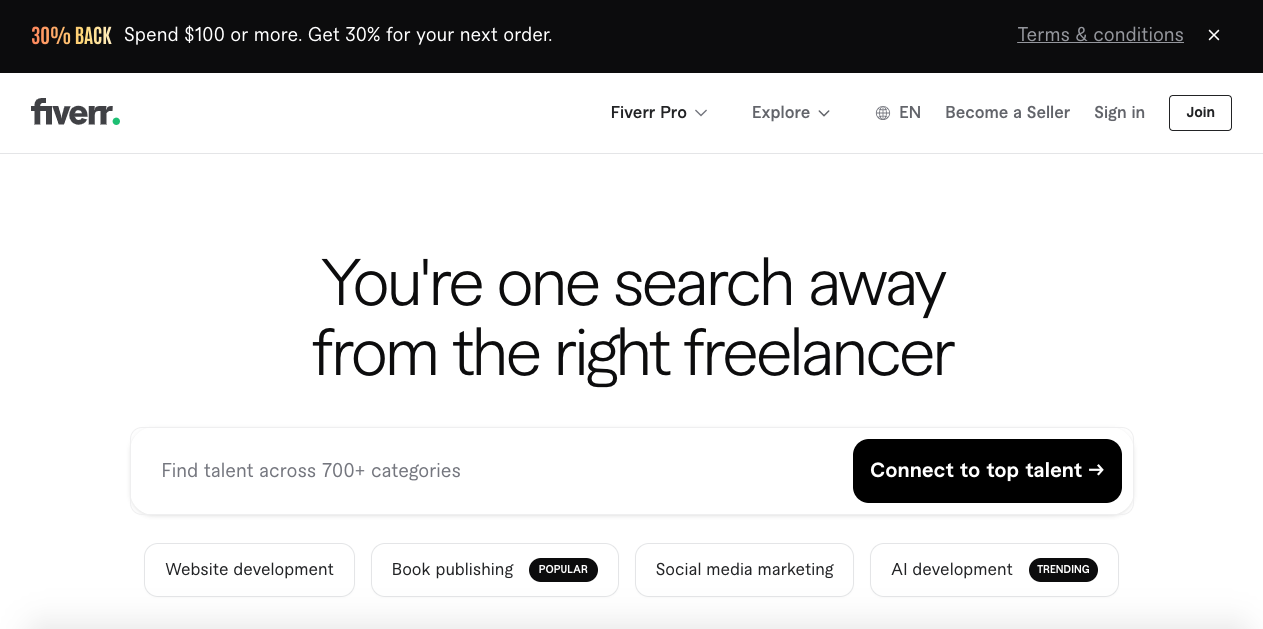
Fiverr launched in 2010 on a simple idea: everything costs five bucks. That’s long gone, but the platform still draws people looking for fast, affordable work. It now runs about four million sellers and three million buyers through its “gig” system.
The gig system is what makes Fiverr different. Instead of posting a job and waiting for bids, you browse listings the way you’d browse Amazon. “I will edit your YouTube video for $50.” “I will add motion graphics to your vlog for $75.” You look at samples, read reviews, check turnaround time, and click buy. Done.
It works well when the job is simple and well-defined. A thumbnail. An intro animation. Sound effects or background music. Basic cuts on a ten-minute video. Fiverr editors often turn these around in a day or two. You’re not building a relationship — you’re buying a product.
Complexity is where it breaks down. Custom transitions matched to your brand? Extra fee. Revisions because they didn’t land your style? Another fee. A reasonably priced edit becomes $150 once the extras are added up.
Quality swings hard. Plenty of talented editors sell cheap on Fiverr to build a reputation. Plenty of others run templates and churn out volume. Reviews help but aren’t the whole picture — a seller can have 500 five-star reviews and still deliver mediocre work, because most unhappy buyers just move on rather than leave negative feedback.
Fiverr also takes 20% of the seller’s price. Pay $100 for an edit and the editor keeps $80. Over time that pushes the strongest editors toward platforms that pay better, which shapes who’s left.
Typical rate: roughly $50 for simple cuts up to $300+ once revisions and extras are included. Fiverr takes 20% of the seller’s price.
Best for: one-off, tightly defined tasks — a single edit, a thumbnail, a short-form cutdown — where you don’t need an ongoing relationship.
Vetting tip: filter for sellers with a high volume of recent completed orders rather than star rating alone. Most buyers won’t go out of their way to leave a bad review.
Freelancer
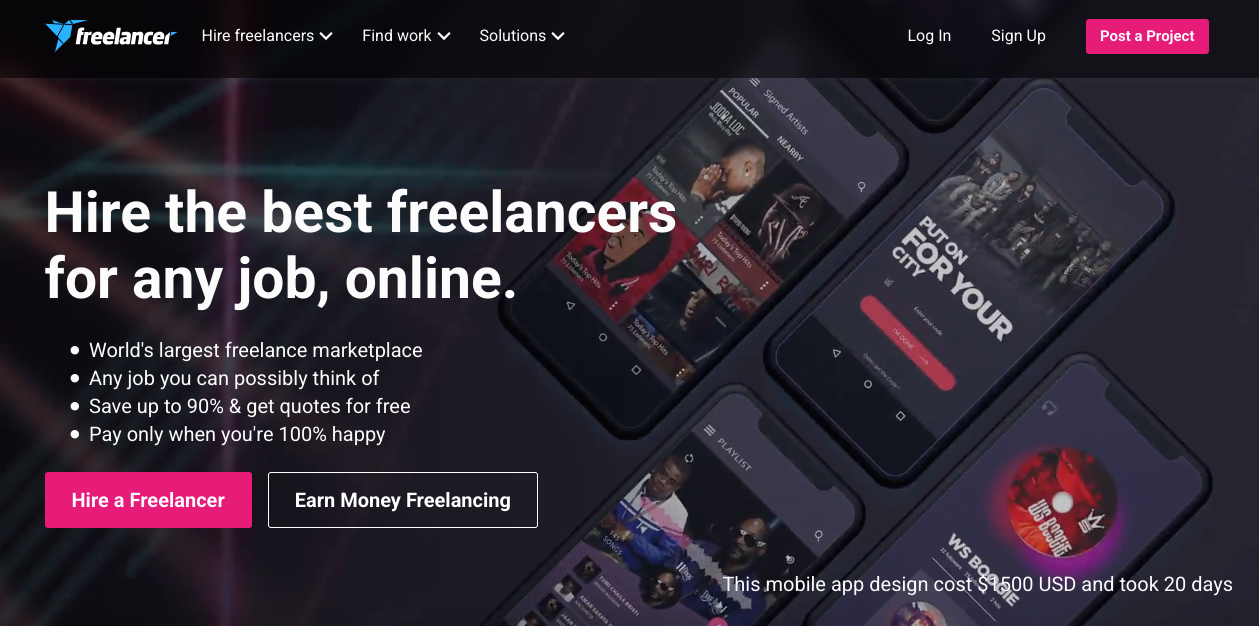
Freelancer launched in Australia in 2009 and now claims 76 million users. For a number that big, it comes up surprisingly rarely in conversations about hiring. It’s the middle child of freelance platforms — always there, somehow invisible.
It runs on a bidding model: you post a project, freelancers bid against your budget, and you pick. Roughly 34% of jobs on the platform are IT and software, about 31% design and media, and around 13% writing. Video editing sits inside design and media, and you’ll find everyone from beginners to editors with deep promotional and high-end production experience.
Post a job for a YouTube editor and you’ll likely get 30–50 bids within hours — anywhere from $10 a video to $200 a video from editors with real portfolios. Most of those proposals will be generic templates that never mention your actual brief.
The volume is overwhelming, so filtering matters. Review profiles, past work, and client feedback. The ratings system is decent but read it carefully: a 4.8 across 200 reviews tells you a lot more than a 5.0 across three.
Competitive bidding does push rates down, and cheaper usually means hiring from a lower cost-of-living country. There’s nothing wrong with that, but plan for the friction — timezone gaps and language differences can turn feedback rounds into long back-and-forths. There’s a point where you spend more time explaining the edit than it would take to do it yourself.
Freelancer takes 10% of freelancer earnings, with a $5 minimum on fixed-price jobs. Hire someone for $50 and they keep $45; hire for $500 and they keep $450.
Funds sit in escrow until you’re satisfied, which protects both sides. What escrow can’t protect you from is people disappearing. Deadlines get missed. Editors ghost after the first video and you’re back to square one.
Both hourly and fixed-price contracts are available. Fixed price is the better fit for editing — you know exactly what each video costs. Hourly gets expensive fast if your editor is slow or padding.
It can work if you’re patient. Don’t take the first bid. Don’t automatically take the cheapest. Watch their actual work, ask real questions, and start with a small paid test before committing to anything long-term.
Typical rate: $10–$200 per video. Freelancer takes 10% (minimum $5), dropping to 5% or 3% on paid membership tiers.
Best for: budget-conscious creators who don’t mind digging through a lot of bids to find a hidden gem.
Vetting tip: favor editors with a long review history over those with a perfect score and almost none — and always start with a small test project.
PeoplePerHour
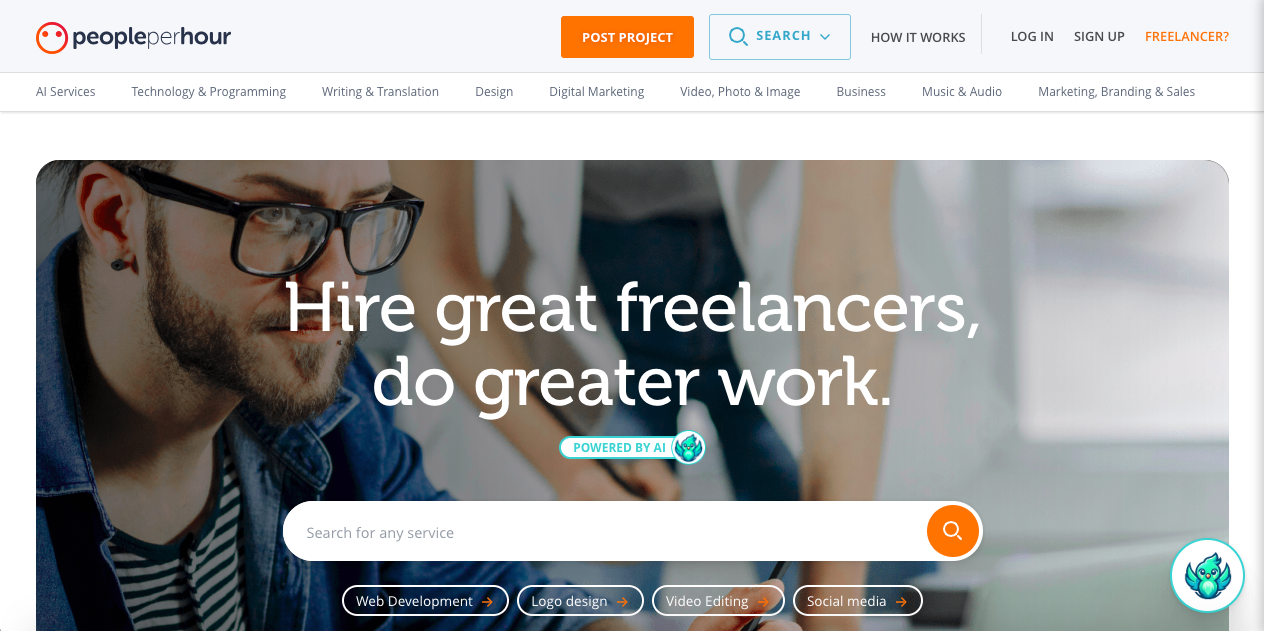
PeoplePerHour started in England in 2007 and has been quietly building ever since — around four million freelancers, more than a million businesses served, across 150+ countries. Big numbers, but a noticeably smaller presence than Upwork or Fiverr.
What makes it different is AI matching. Post a job and the platform analyzes it, compares it against its freelancer pool, and recommends candidates. In theory that saves you the shortlisting work. In practice the accuracy varies — sometimes the matches are spot on, sometimes they’re nowhere close.
You can also search manually. Video editing lives under “Video, Photo & Image,” where freelancers list hourly or project rates openly on their profiles. Some display certifications or a decade of branding and social media experience. Certifications are worth noting, but they don’t guarantee skill.
Like the others, PeoplePerHour holds your payment in escrow until you approve the work, and will step in to mediate if something goes wrong.
The commission structure is the interesting part. PeoplePerHour takes a sliding-scale cut of freelancer earnings: 20% on the first £250, 7.5% between £250 and £5,000, and just 3.5% above £5,000. The longer a freelancer works with you, the more they keep.
That’s genuinely good for clients. Once you find an editor you like, they have a real financial reason to stay.
Finding them is the hard part. There are tens of thousands of registered freelancers and plenty of them aren’t actively looking. You’ll find profiles that haven’t been touched in months and messages that go unanswered.
Ratings help filter, but do your own homework. Read the portfolio, read the client comments, and look for patterns — if three separate people say someone missed deadlines, believe them.
PeoplePerHour also offers “hourlies,” its version of Fiverr gigs. An editor might list “I’ll edit a 10-minute YouTube video for £75.” You buy it, they deliver it, done. Good for simple jobs with few variables.
It’s not a bad platform — just a smaller one. Fewer options, but also less competition. Worth a look if you’re in the UK or Europe, where you’ll find more editors in a compatible timezone than on the US-dominated sites.
Typical rate: hourlies commonly around £75. Commission runs 20% up to £250 in earnings, 7.5% from £250–£5,000, and 3.5% above £5,000.
Best for: UK and European creators who want editors in a closer timezone than most US-heavy platforms offer.
Vetting tip: check when the profile and hourlies were last updated. There are a lot of dormant accounts here.
Toptal
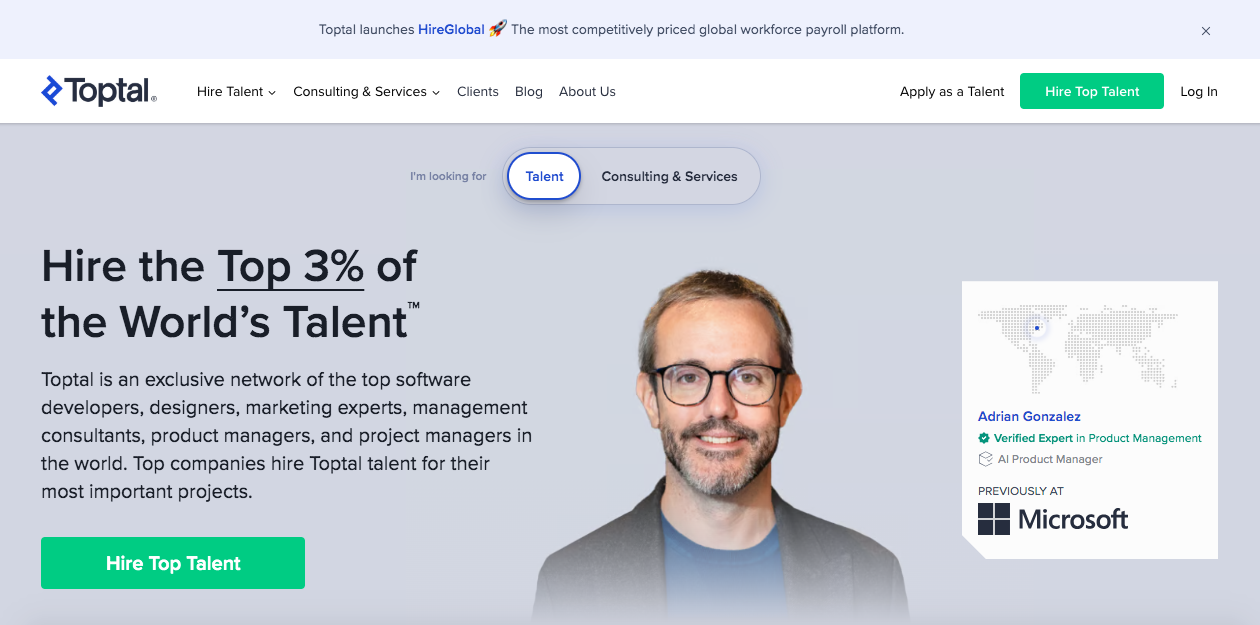
Toptal launched in 2010 with a claim that still sounds bold: only the top 3% of applicants get in. Candidates are screened on technical skill and portfolio quality, then run through multiple rounds of interviews before they’re listed. You’re not sorting through resumes — you’re being handed people who’ve already been filtered.
These are professionals who’ve cut commercials, films, and large brand campaigns. Your videos will look it. So will the invoice.
The process works differently from every other platform here. You don’t browse profiles. You describe your project to Toptal, and within about 48 hours they send you candidates. Pick one and you start a two-week trial. If it isn’t working, you walk away without penalty. If it is, you continue.
Toptal’s margin is roughly 50% — pay $100/hour and about half goes to the platform. That’s a large part of why the rates are what they are.
The bigger constraint is commitment. Most Toptal editors want 20–40 hours a week. “Edit my weekly YouTube video” isn’t the kind of engagement they’re looking for; they’re building long-term client relationships. That means thousands of dollars a month.
Unless your channel generates serious revenue or you’re using video as a core marketing channel for a business, Toptal is probably out of range. Your audience may never notice the difference in polish — but you’ll notice the bill.
If the budget is there, though, the experience is smooth. No negotiating rates with strangers. No wondering whether someone is legitimate. No ghosting after the first payment. You get a professional who shows up, hits deadlines, and delivers. That reliability is the product.
Typical rate: $60–$150+/hour, with specialized talent running $200+, plus a refundable $500 deposit and a $79/month platform fee while you’re engaged.
Best for: brands, agencies, and high-revenue channels that need commercial-grade polish and can support 20–40 hours a week.
Vetting tip: Toptal handles the screening, so spend your energy elsewhere — confirm the weekly-hours commitment fits your budget before you sign anything.
Behance
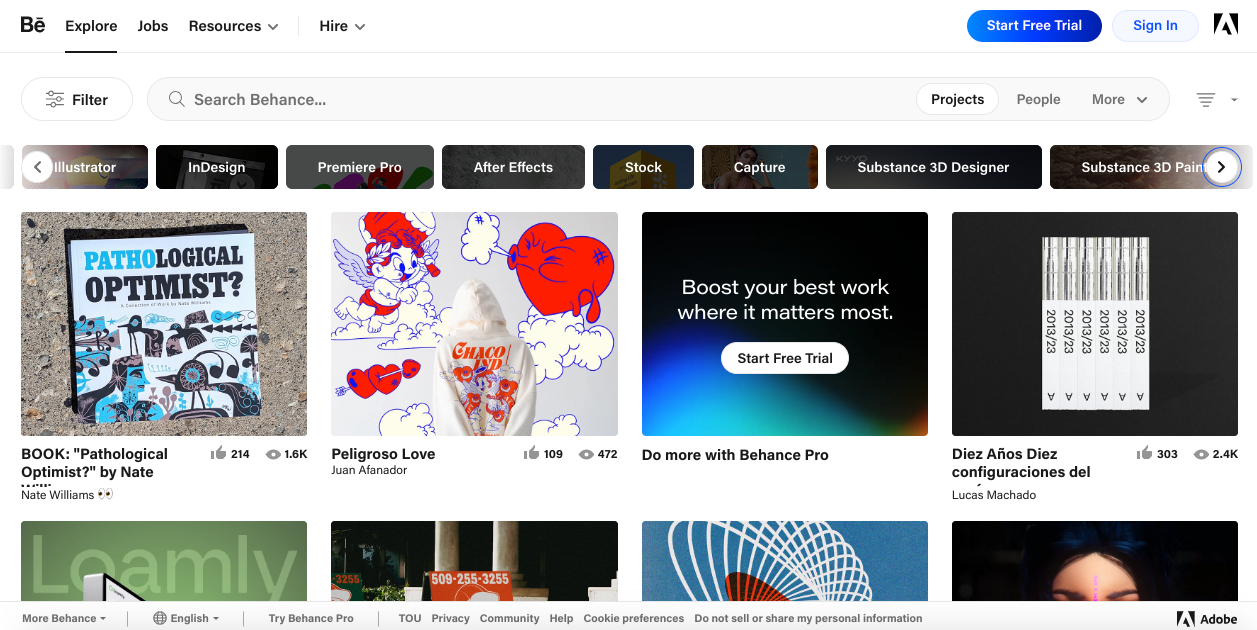
Behance launched in 2006 as a place for creatives to show their work, and since Adobe acquired it, it’s become something like Instagram for designers, artists, and editors. Close to 40 million people visit each month to browse projects and find inspiration.
Here’s the catch: Behance is a portfolio platform, not a job board. Editors post their best work to attract interest, but there’s no job posting system, no contracts, no payments. It’s a very good resume site, not a marketplace.
So why use it? Because you’re looking at finished work.
Search for video editors and you’ll find completed projects — actual edits, not descriptions of edits. You can see how someone handles pacing, how they approach visual storytelling, and whether their style matches what you’re making. The work is the evidence.
Filters help you narrow things down. Search by location if you want someone nearby, by software if you need a Premiere Pro or After Effects specialist, or by project type — vlogs, commercials, music videos.
When you find someone whose work you like, you message them directly. No proposals, no bidding. Just “I like your work, would you be interested in editing my YouTube videos?” and you negotiate from there.
The best part: no platform fees. Whatever you agree on is exactly what the editor earns, and exactly what you pay.
The worst part: no protections. No escrow, no dispute resolution, no contracts through the platform. If someone takes your money and disappears, Behance can’t help you. You’ll need to handle payment terms and agreements yourself.
There’s also no vetting. Anyone can create a profile. A stunning portfolio might belong to a ten-year veteran or to a student who’s edited three videos. You have to ask.
Activity level is your best signal. Look at how many projects someone has posted and when — twenty projects in the last two months reads very differently from three projects five years ago. Regular posting usually means someone with steady work.
Community response helps too. Projects collect “appreciations” and comments from other creatives, and strong engagement is a decent proxy for quality. It says nothing about reliability or availability.
Some editors list whether they’re taking clients; most don’t. You’ll have to ask, and response times range from immediate to never.
Treat Behance as a discovery tool rather than a hiring platform. Find editors whose style clicks, then take the conversation off-platform and sort out the details. It’s more work than the marketplaces, but you get direct access to creative talent with no fees and no platform rules in the way. Just know what you’re signing up for — this is the DIY route.
Typical rate: none. There are no platform fees; whatever you agree on is what the editor earns.
Best for: creators who want to shortlist editors by visual style first, then take hiring off-platform.
Vetting tip: check posting frequency and last activity. A beautiful portfolio from three years ago doesn’t mean they’re taking clients today.
Subscription and fractional editing services
Freelance marketplaces put the vetting burden on you. Subscription and fractional services flip that. You pay a flat monthly rate for a dedicated (or near-dedicated) editor, with no job posts, no bids from strangers, and no gambling on someone you’ve never worked with.
Vidpros runs on this model, assigning editors at a 1:4 client ratio rather than the vague “unlimited” promises common in this category. We’ve broken down 18 of these services with pricing in our comparison of unlimited video editing services, including a detailed look at beCreatives. Here’s the short version.
Typical rate: plans generally run $700–$2,500/month depending on how much daily editing time you get. Vidpros starts at $1,000/month for a part-time dedicated editor (2 hrs/day) and runs to roughly $4,000/month for full-time.
Best for: creators publishing consistently who want one editor to learn their style over time — without bidding, escrow, or re-vetting someone new for every video.
Vetting tip: ask directly how many other clients your assigned editor is handling. A low client-to-editor ratio is what makes daily focus real, and a company that won’t answer the question is almost certainly stretching its editors further than it admits.
Video editing agencies
At the far end sit full agencies: production teams with project managers, colorists, and motion designers backing up your assigned editor. You pay more, but your entire upload schedule no longer depends on one person being available. If you’re weighing all three routes, we’ve compared in-house, freelance, and agency editing in detail.
Typical rate: custom quotes rather than packages — from a few hundred dollars for a single project to tens of thousands per month for an ongoing retainer with a full production team.
Best for: larger channels (roughly 100k+ subscribers) and businesses using video as marketing, where a missed upload or an inconsistent edit costs real money.
Vetting tip: ask what happens if your assigned editor gets sick or quits. A real agency has a clear answer. If they don’t, “the team” supporting your account may be one person.
What changes when you stop editing your own videos
Most YouTubers run the same loop: shoot, edit, upload, repeat. If that’s you, here’s what actually changes when you hand the editing off.
Your upload schedule becomes predictable instead of stressful. Shoot three videos on Monday, hand them over, and they’re ready when you need them. No more midnight editing sessions, no more skipping an upload because you ran out of hours.
You finally see what your viewers see. An editor watches your footage with fresh eyes as a content creator and turns it into something tighter than you’d cut yourself. Good editors tell you when a section drags and should go.
You get the hours back. If editing takes eight hours a video, that’s roughly 64 hours a month you could spend filming, replying to comments, or developing ideas.
Your channel gets more consistent. One person cutting every video means a recognizable rhythm and look. Over time an editor learns your brand and your audience, and viewers start recognizing your style immediately.
Find a good editor, then keep them. Let them learn your jokes, your pacing, and your audience. That relationship is what builds channels.
Should you hire a freelancer or pay for a production company?
Hiring a freelancer at $75 a video feels great for the first couple of months. Then the rate goes up. Or they book a holiday the week before your busiest stretch. Or they land a better-paying client and your replies start coming slower. Suddenly your entire publishing schedule depends on one person who might not show up tomorrow.
That’s freelancing: affordable, personal, flexible, and entirely dependent on one human being. We’ve gone deeper on that trade-off in our guide to whether to hire a freelance editor.
A production company costs roughly triple, but you get a team. If someone’s sick, someone else picks it up and your project stays on schedule at the same quality. The downsides are real too: you’re spending hundreds or thousands a month, and companies sometimes polish the life out of a video until it stops feeling like YouTube.
A rough guide: under 10,000 subscribers, hire a freelancer. Between 10,000 and 100,000, it depends on your revenue. Above 100,000 — or if video is part of how you market a business — seriously consider a company.
Honestly though, subscriber count isn’t the real deciding factor. What matters is what you can afford and what keeps your content flowing without driving you into the ground.
Finding the best video editor: the real cost of going professional
Agencies are expensive — hundreds a month at minimum, often thousands. Most small channels can’t justify that. And because agencies are businesses with many clients, you’re one of many. Need a last-minute change? Your video waits its turn.
Established processes also mean less flexibility than a freelancer offers, and sometimes too much polish. Your raw, personal YouTube video comes back looking like a corporate commercial. That isn’t always what your audience wants.
In the end, finding the best video editor — solo or team — comes down to two things: budget and goals. If you’re newer to YouTube, start with freelancers. Once you’re generating real revenue, look at a production company or a middle option like Vidpros, which assigns editors at a 1:4 ratio for growing channels.
Whichever route you take, the right editor saves you time, improves your content, and helps your channel grow. Pick what fits your situation right now, not what sounds most impressive. Write a clear job post, review portfolios properly, and don’t hesitate to ask for references from past clients.
With the right video editor behind you — one person or a whole team — you can keep publishing content that’s genuinely worth your audience’s time.
This article is part of our complete guide to Outsource Video Editing: How to Pick Without Getting Burned.