


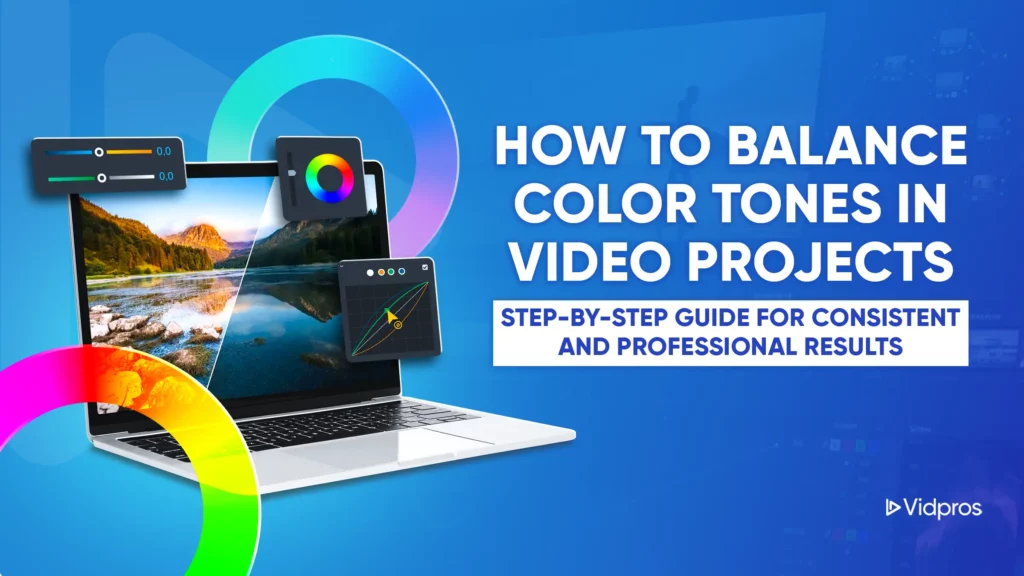
Consistent and well-balanced color tones are essential in video projects that aim to capture attention and communicate effectively. Whether you’re a content creator, social media strategist, or agency professional, understanding how to balance color tones in video projects improves video quality and strengthens brand identity. At Vidpros, our expert team of overnight editors helps streamline this process, ensuring that every project delivers a polished, brand-aligned visual experience.

Why Color Balance Shapes Viewer Experience
Color balance directly affects how your audience perceives your video. Uneven tones across scenes can distract or confuse viewers, weakening the emotional impact and credibility of your content.
In contrast, consistent visuals create a seamless experience that reflects professionalism and intent. In the world of social video, where attention spans are short and first impressions matter, a visually coherent look can make the difference between a swipe-away and a click-through.
The Impact of Color Consistency on Brand Recognition
Branding is about logos and fonts, but it extends to the visuals in every video you publish. A unified color tone across multiple platforms helps reinforce brand identity. This consistency builds recognition and trust, whether you’re working with lifestyle content, client testimonials, or paid ads.
Color grading and correction play a huge role here. Disjointed tones, sudden shifts in warmth, or exposure mismatches break immersion. Keeping color tones aligned allows your story and your brand to stay front and center.
The Foundation: Understanding Color Theory

Before jumping into editing tools, it’s important to know what drives successful visual choices. Color theory helps you understand how hues, saturation, brightness, and contrast work together. Mastering this foundation enables you to make informed, creative decisions and communicate expectations to collaborators more effectively.
For projects that involve remote teams or outsourcing, shared knowledge of color theory eliminates guesswork and cuts down on revision cycles.
Key Concepts to Know:
- Hue: The base color (red, green, blue, etc.)
- Saturation: The intensity or purity of a color
- Brightness: How light or dark a color appears
- Color Temperature: Warm (yellow/orange) vs. cool (blue)
These concepts shape your footage’s look and feel. They also guide editing decisions when adjusting lighting inconsistencies, correcting white balance, or applying a specific style.
Working with Professional Video Editors: Communicating Your Vision
If you’re outsourcing editing, clarity is everything. To help your editing team understand your color preferences, provide:
- Brand style guides
- Mood boards with reference visuals
- Branded LUTs (Look-Up Tables)
- Color tone examples from past videos
At Vidpros, we prioritize clear communication from the outset. When our clients share these materials, our editors can immediately begin applying consistent color tones that match the project’s goals.
Tools that Help:
- LUTs simplify applying a specific grade across multiple videos.
- Reference stills from previously approved work make it easier to match tones.
- Mid-project exports give you checkpoints for feedback, reducing the need for last-minute changes.
Your Step-by-Step Workflow for Balanced Color Tones

Creating a repeatable workflow helps ensure each video meets the same high standard. Here’s how to structure your editing process from start to finish:
1. Assess Your Footage
Start with a full review. Check for visual inconsistencies, especially when using different cameras or filming in varied lighting conditions. Look for shifts in exposure, color temperature, and contrast.
2. Organize Your Color Resources
Group assets in a central folder that includes:
- Brand colors
- Style references
- LUTs or effects presets
- Platform-specific specs (for Instagram, YouTube, TikTok, etc.)
Sharing this folder with your editing team ensures alignment and keeps revisions to a minimum.
3. Apply Primary Corrections
Before getting creative, fix the basics:
- Adjust white balance
- Match exposure
- Normalize contrast
This step sets the foundation for more advanced adjustments and ensures consistency across all clips.
4. Fine-Tune the Details
With your base established, focus on:
- Color tone adjustments for skin tones or branded elements
- Saturation control to prevent oversaturated scenes
- Matching shadows, midtones, and highlights
For clients working with Vidpros, this is where we recommend reviewing samples. A brief check-in at this stage can eliminate errors before the final export.
5. Final Quality Review
Use a mix of automated tools and manual inspection:
- Watch for flickering or unintentional tone shifts between scenes
- Test on different screens (phones, tablets, desktops)
- Ask multiple team members to review
Tools like scopes and waveforms can also help ensure color balance is accurate from a technical standpoint.
Outsourcing Editing for Video Projects? Here’s Why It Works

Hiring professionals saves time, but it also improves output. At Vidpros, our overnight editing team specializes in:
- Maintaining color consistency across all projects
- Delivering fast turnarounds that align with your publishing schedule
- Following brand guidelines to the letter
For social media agencies managing multiple clients, we help streamline production while keeping content visually consistent and on-brand.
Tips for Smoother Collaboration with Editing Teams
To get the best results from your outsourced editors:
- Set clear expectations upfront
- Use structured folders and shared drives
- Provide feedback early and often
- Create template-based workflows for recurring video types
By treating your editing team as a strategic partner, you’ll achieve more polished results with less back-and-forth.
Ready to Improve Your Video Workflow in New Projects?
Consistent color tones help your content stand out in crowded feeds. If you want smoother editing, better visuals, and faster delivery, let Vidpros be your trusted video editing partner.
Get started with Vidpros’ offer and see the difference!