When three AI video companies appear identical, how do you decide which one to choose?
The market is flooded with over 50 companies all making identical claims about superior quality and ease of use, making it nearly impossible to distinguish which is genuinely better.
The reality is that these companies differ significantly in their underlying technology, despite appearing similar on the surface. Some avatars look almost human, while others look creepy and fake. Some companies give you real support when you need help, while others make you wait days for an email. And some are honest about their prices, while others hide extra costs.
The biggest difference? How well they handle the “uncanny valley”, that uncomfortable feeling when something looks almost human but not quite right. Great companies excel at this while average ones fail to deliver.
This guide gives you a clear framework for evaluating any AI video company, along with honest reviews of the top options. Let’s start with what you actually need to check before making a decision when evaluating platforms for creating AI videos.
The complete company evaluation framework

Technology & quality assessment
When you’re looking at AI video companies, the technology they use matters more than anything else. Here’s what to check:
Avatar Quality
The first thing to look at is how many AI Avatars and avatar options the company offers. Some companies provide 50 templates, while others offer 200+. More options mean you’re more likely to find someone who fits your brand.
But quantity isn’t everything. You also need to know if they’ll let you create custom avatars—basically, digital versions of real people. This matters because generic templates don’t work for every situation.
Here’s the most crucial part: does the company help you avoid the uncanny valley? Research shows that avatars that look almost, but not precisely, human make people uncomfortable. Good companies offer different realism levels. Some avatars look semi-realistic (like a polished professional photo), while others are more stylized (think video game character).
Try this simple test: show the company’s demo videos to three coworkers without mentioning AI. If they say “impressive” or ask about the content, you’re good. If they say “creepy” or “something’s off,” that’s a red flag.
Voice quality is just as crucial as the avatar’s appearance. Natural-sounding voices with emotion and different accent options are essential for creating engaging videos. And the lip sync needs to be accurate; when the mouth movements don’t match the words, viewers notice immediately.
Output Quality
Next, check the video quality you’ll actually get. Most companies offer 720p, 1080p, and sometimes 4K resolution. Higher resolution looks better but costs more to render.
Examine their demo videos closely for signs of poor quality, such as blurriness, pixelation, or image degradation, and verify that the rendering is smooth and free of visual glitches.
Smooth playback at 24, 30, or 60 frames per second, combined with crystal-clear audio and proper volume mixing, is an essential technical requirements that distinguish quality video.
Video generation: Feature set & capabilities
Now, let’s talk about what these platforms actually do for AI video generation. Understanding core capabilities is essential.
Core features
At minimum, you need avatar creation tools, text-to-speech, and accurate lip sync. These are the basics. ADR (Automated Dialogue Replacement) is also necessary if you need to fix or change voice-overs after recording.
Advanced features
Superior platforms offer greater customization, enabling you to tailor videos for different audiences. Multilingual support allows you to create the same video in Spanish, French, and 20 other languages. API access enables developers to build custom tools. White-labeling removes the company’s branding so the footage looks 100% yours.
Integration ecosystem
Can the platform connect with your existing video editing and production tools? If you use a CRM like Salesforce, an LMS like Moodle, or marketing automation like HubSpot, you’ll want smooth integration. Otherwise, you’re manually uploading and downloading files all day.
Look for collaboration features too. Can multiple team members work on videos together? Asset libraries and template systems save you tons of time when creating similar videos repeatedly.
Video generation pricing: Transparency & structure
The cost to generate AI videos varies dramatically based on volume and features. This is where companies either earn your trust or lose it completely.
Red flags. Run away from companies that hide their costs. If everything says “contact sales” with no published pricing, you’re probably going to pay too much. The same goes for surprise overage fees that pop up after you’ve already signed up.
Positive signs. Good companies publish clear pricing tiers on their website. You can see exactly what you get at each level.
Questions to ask. Before signing anything, ask these three questions:
“What’s included in the base price?” (How many videos? Which features? What resolution?)
“What triggers overage fees?” (Extra minutes? More avatars? Downloads?)
“What’s your revision policy?” (How many changes can you make? Is there a fee?)
Calculate the actual cost by adding the base price, the average overages, and any add-ons you’ll need. A $30/month plan that charges $5 per extra minute costs you $200/month.
Uncanny valley sophistication
This is the most overlooked part of choosing an AI video company, but it’s actually the most important.
Poor uncanny valley decisions will tank your video’s performance. People will click away. They won’t trust your message. Your conversion rates will drop.
Case studies
Remember Sonic the Hedgehog’s original movie design? Paramount spent $5 million fixing it after the trailer got 700,000 dislikes. The problem? Photorealistic teeth, separated eyes, and human proportions that looked wrong. People hated it.
Compare that to Detective Pikachu, which was a huge success. It had realistic fur textures but kept cartoon proportions. No uncanny valley problem at all.
Evaluation questions
Ask potential vendors about their video style options:
“Do you offer both realistic and stylized avatar options?”
“How do you advise clients on avatar style selection?”
“Can I see examples of both approaches?”
The best companies provide decision trees, audience testing, and industry-specific recommendations. They don’t just sell you the most realistic option and call it a day.
The Teeth Test
Here’s a quick way to spot uncanny valley problems: Look at the company’s most realistic avatar and ask yourself, “Can I imagine this avatar flossing their teeth?”
If yes, they’ve gone too realistic. Once you start noticing individual teeth, the avatar has triggered your brain’s “human evaluation mode,” where you’ll see every tiny flaw.
If no, you’re at a safe realism level.
Types of AI video production companies

Not all AI video creation platforms work the same way. There are four main types of video creation services.
Platform-first companies
Examples: Synthesia, Colossyan, Elai.io
These are self-service platforms where you create videos with just a few clicks after signing up and logging in. Think of them like Canva for video– lots of templates and tools, but you’re doing the work.
Strengths: They’re cost-effective ($30-$500/month), fast, and scalable. You don’t need anyone to hold your hand. Create videos at scale– 10 today, 50 next week, whatever you need.
Weaknesses: Customization is limited to what the platform offers. There’s a learning curve. Support is usually DIY through help docs and videos.
Best For: High-volume internal content, training videos, and companies with in-house video skills.
Service-first companies
Examples: Superside, Lemonlight, Videopeel
These companies provide managed services with dedicated teams. You tell them what you need, and they create it for you.
Strengths: White-glove service means you get strategic guidance and custom solutions. They handle everything from scripting to final delivery.
Weaknesses: Higher cost ($2,000-20,000/month in retainers), longer timelines, and minimum project sizes that might exclude smaller jobs.
Best For: Marketing content, external-facing videos, and strategic campaigns where quality is everything.
Technology providers
Examples: D-ID, Respeecher
These are API-first AI tools focused on developers. They provide the building blocks, and you build your own solution.
Strengths: Maximum flexibility, white-labeling options, and custom integration. You can build exactly what you need.
Weaknesses: Requires technical resources and in-house developers. You’re building your own video platform.
Best For: Software companies, agencies building tools, and at-scale applications.
Pricing: Usage-based, typically $0.10-$5.00 per video generation.
Hybrid companies
Examples: Pictory, InVideo AI, Fliki
These combine platform tools with templates and some service support. They’re trying to give you the best of both worlds.
Strengths: Balance of ease and customization. Not as bare-bones as pure platforms, not as expensive as full service.
Weaknesses: Sometimes caught in the middle, not the cheapest option, nor the most powerful either.
Best For: Small businesses, content creators, marketing teams, and companies producing explainer videos. Pricing: $20–$200/month.
Pricing: $20-$200/month.
Detailed Company Profiles

Finding the best AI video generator for your needs requires looking beyond surface features. Let’s examine the top companies in detail.
Synthesia
Company Type: Platform-first
Best For: Enterprise training, internal communications, high-volume content
Avatar Approach
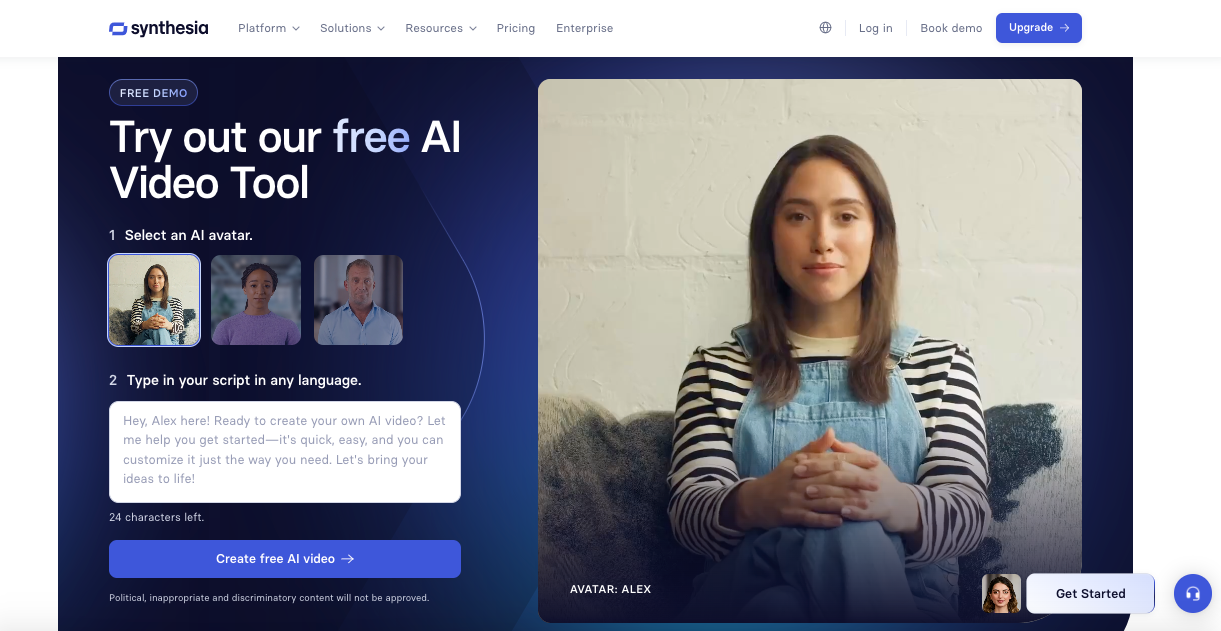
Synthesia offers 140+ stock avatars, and it is a leading AI video generator that also supports custom avatar creation (digital twins). They handle the uncanny valley well by providing both professional and stylized avatars. Their realism level is semi-realistic, which is a clever positioning, realistic enough to look professional, not so lifelike as to get creepy.
Key Features
120+ languages, screen recording integration, brand kits and templates, and SCORM-compliant exports for e-learning platforms.
Pricing
Basic: Free | 3 min/mo | 1 editor, nine avatars, 360 credits/mo
Starter: $18/mo | 120 min/yr | 125+ avatars, one editor + 3 guests, AI dubbing, video download, no logo
Creator: $64/mo | 360 min/yr | 180+ avatars, five personal avatars, API access, interactive videos, one editor + 5 guests
Enterprise: Custom | Unlimited | 230+ avatars, unlimited personal avatars, 80+ language translations, SSO, dedicated CSM
Annual billing. Save up to 30%
Strengths
Industry leader proven at scale. Excellent lip sync and voice quality. Strong enterprise features like SSO and security.
Weaknesses
It can get expensive at high volume, and there’s a learning curve for advanced features.
Uncanny Valley Grade: A- (provides sound guidance and multiple style options)
Colossyan
Company Type: Platform-first
Best For: E-learning, corporate training, multilingual content
Avatar Approach
Colossyan focuses on diverse, professional avatars. They lean toward stylized professional looks that smartly avoid uncanny valley issues. Their biggest differentiator is auto-translation with lip sync.
Key Features
AI video translation (industry-leading), conversation mode with multi-avatar scenes, interactive video elements, and screen capture.
Pricing
Starter: $19/mo | 15 min/mo | 70+ avatars, three custom avatars, one voice clone, unlimited viewers
Business: $70/mo | Unlimited minutes | 170+ avatars, 10 custom avatars, two voices, four interactive videos, 10 auto translations
Enterprise: Custom | Unlimited | 200+ avatars, custom editors, brand kits, SSO, unlimited features
Annual billing saves 30%
Strengths
Best-in-class translation features. Excellent for learning content. Affordable pricing.
Weaknesses
Smaller avatar library than competitors. Limited customization options compared to premium platforms.
Uncanny Valley Grade: A (deliberately avoids problematic realism)
Elai.io
Company Type: Platform-first
Best For: Marketing teams, content creators, social media content
Avatar Approach
A mix of stylized and realistic avatars, with easy avatar customization. Uncanny valley handling is improving, but it is inconsistent across different avatar choices.
Key Features
Text-to-video from articles and blogs, PowerPoint-to-video conversion, voice cloning, and an easy template system. Supports 80+ avatars and 75+ languages.
Pricing
Free: $0 | 1 min/mo | 1 user, 80+ avatars, 75+ languages
Creator: $23/mo ($278/yr) | 15 min/mo | Full HD, avatar & voice library, one user
Team: $100/mo ($1,200/yr) | 50 min/mo | 4K video, three editors, custom branding
Enterprise: Custom | Unlimited | Unlimited users, voice clones, brand kit, SSO, support
Strengths
User-friendly interface, great content repurposing features, fast rendering.
Weaknesses
Avatar quality is variable. Uncanny valley inconsistency, some avatars work great, others are problematic.
Uncanny Valley Grade: B- (hit or miss depending on avatar selection)
Superside
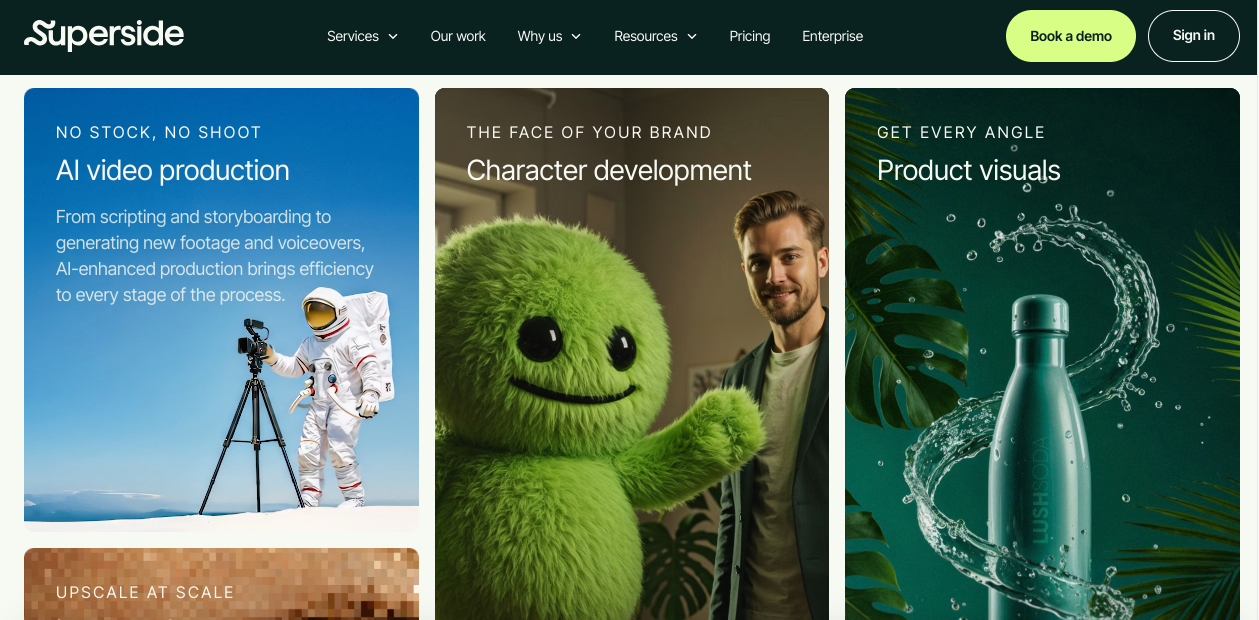
Company Type: Service-first (hybrid AI + human)
Best For: Marketing campaigns, brand content, high-stakes videos
Avatar Approach
Curated AI plus human creative direction. Uncanny valley handling is excellent because creative directors guide style decisions– custom avatar development with strategic input.
Key Features
Dedicated creative team, brand strategy integration, multi-channel content packages, quality assurance process.
Pricing
Project-based: $5,000-50,000+
Retainers: $10,000-100,000/month
Strengths
Highest quality output, strategic guidance included. Best uncanny valley management thanks to human oversight.
Weaknesses
Expensive. Longer timelines. Minimum project requirements.
Uncanny Valley Grade: A+ (creative direction prevents issues)
Lemonlight
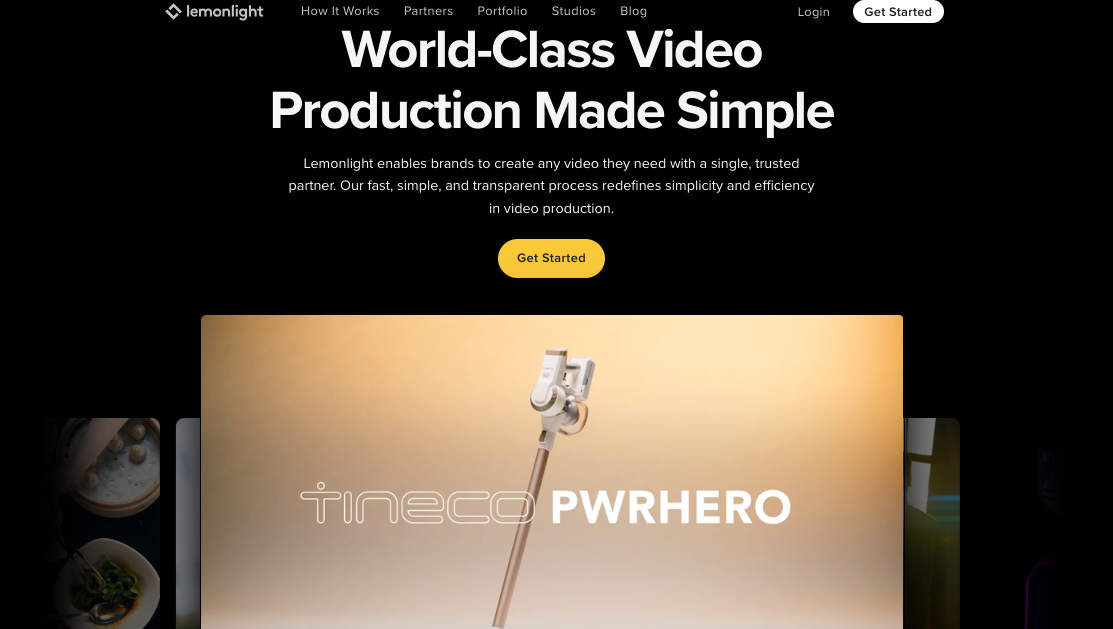
Company Type: Service-first (traditional + AI hybrid)
Best For: Brand storytelling, mixed live-action and AI content
Avatar Approach
Uses AI strategically within the broader video production process. Conservative uncanny valley handling, they use AI where it works well and live-action where it doesn’t. Focus on hybrid productions.
Key Features
Full-service production, hybrid AI/live-action, national crew network, strategic consultation.
Pricing
Single videos: $5,000-20,000
Monthly retainers: $15,000-75,000
Strengths
Professional production quality and a strategic hybrid approach. Excellent for brand content.
Weaknesses
Higher cost. Not a pure AI solution. Longer production timelines.
Uncanny Valley Grade: A (smart about when NOT to use AI)
D-ID
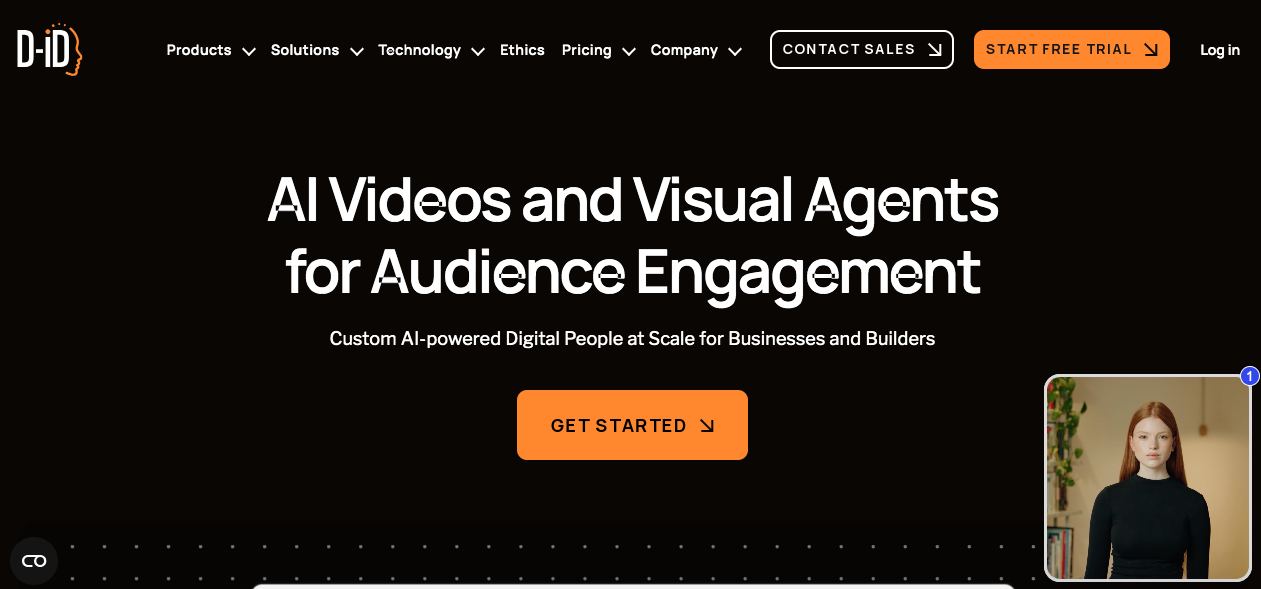
Company Type: Technology provider
Best For: Developers, agencies, custom applications
Avatar Approach
“Digital People” technology that’s API-first with maximum flexibility. Unique photo-to-video feature that animates still images.
Key Features
Strong API access, developer-friendly tools, and white-labeling are available, with multilingual video translation and emotion customization.
Pricing
Trial: Free | 3 min/mo | 100+ avatars, 1 personal
Lite: $4.70/mo | 10 min/mo | Standard avatars, one embedded agent
Pro: $16/mo | 15 min/mo | Premium avatars, three personal, voice clone
Advanced: $108/mo | 100 min/mo | 5 personal avatars, three voice clones
Enterprise: Custom | Unlimited | Custom avatars, dedicated manager
Annual billing saves up to 45%
Strengths
Strong API and developer tools, a unique photo animation feature.
Weaknesses
Requires technical implementation, a limited out-of-the-box solution for non-technical users.
Uncanny Valley Grade: B (depends heavily on input images used)
Red flags & warning signs when evaluating generative AI video tools

Watch out for these problems when assessing companies.
Technology red flags
Companies that insist photorealistic AI video models are ‘always best’ are denying the reality of the uncanny valley. Other red flags include limited avatar style options (only one realism level), no sample videos or demos available, refusal to accept trial or test projects, blurry or watermarked demos only, and claims of “perfect” lip sync (which doesn’t exist yet).
Business practice red flags
No published pricing that says “contact sales” everywhere is a bad sign. Also watch for being locked into long contracts with no trial period, no clear revision policy, hidden overage fees discovered after signup, “unlimited” claims without asterisks (there are always limits), and no cancellation policy or punitive cancellation fees.
Support & service red flags
No human support available, only chatbots or email support, is concerning. Same with slow response times (48+ hours), no onboarding or training provided, no dedicated enterprise-level account manager, and a community forum as the only support option.
The uncanny valley evaluation test

Before signing any contract, run these three tests.
The 5-Person Test
Before deploying AI-generated videos, get 3-5 sample videos from the company.
Show them to 5 people unfamiliar with AI
Don’t mention AI, ask “What do you think?”
Listen for uncanny valley language:
“Something’s off.”
“Creepy”
“Weird looking”
“Fake” (in negative tone)
Comments about eyes, mouth, or teeth
Positive responses sound like:
“Professional”
“Clear”
“Engaging”
Questions about content (not appearance)
Scoring:
0-1 adverse reactions: Safe choice
2-3 adverse reactions: Reconsider or choose a different avatar style
4-5 adverse reactions: Move to a different company
Research shows this test is reliable because real viewers can detect subtle issues that you might miss after watching dozens of demos.
The Teeth Test
Look at the company’s most realistic avatar and ask yourself: “Can I imagine this avatar flossing their teeth?”
If yes: They’ve crossed into the uncanny valley (too realistic)
If no: Safe realism level
This test works because once you start noticing human features like tooth detail, these AI models trigger human evaluation mode, where you see every flaw.
The Application Test
Consider your specific use case:
Training videos: Uncanny valley less critical (viewers focus on content)
Marketing videos: Uncanny valley highly critical (trust required)
Sales outreach: Uncanny valley extremely critical (relationship building)
Match the company’s avatar realism level to your tolerance for risk.
Price-to-Value Comparison Matrix
Tier | Price Range | Best Options | What You Get | Best For | Uncanny Valley Risk |
Budget | $0-100/month | Elai.io Basic, Synthesia Starter, Colossyan Starter | Template avatars, limited videos (10-15 minutes/month), basic features | Testing, low-volume content, small businesses | Moderate (limited avatar selection means less control) |
Professional | $100-500/month | Synthesia Creator, Colossyan Pro, | Custom avatars, advanced features, higher volume (30+ minutes/month), API access | Marketing teams, training departments, and regular content production | Low to Moderate (better avatar options, more control) |
Enterprise | $500-5,000/month | Synthesia Enterprise, Colossyan Enterprise | Unlimited videos, API access, dedicated support, custom features, and advanced security | Large organizations, high-volume needs, custom integration requirements | Low (custom avatar creation with guidance) |
Managed Service | $5,000+/month | Superside, Lemonlight | Full creative service, strategy, managed production, dedicated teams | Brand content, marketing campaigns, when quality is paramount | Minimal (expert creative oversight) |
How to run a proper vendor evaluation

Phase 1: Initial screening (1 week)
Identify 5-7 companies matching your needs (platform, service, hybrid, or tech provider)
Review published pricing (eliminate companies that aren’t transparent)
Watch demo videos critically (run the teeth test)
Check reviews on G2, Capterra, and TrustRadius
Shortlist to 3 companies
Phase 2: Hands-on testing (2 weeks, budget $500-1,000)
Sign up for trials or pay-per-video tests with all three companies
Create AI videos on each platform using the same parameters:
Your actual script
Same avatar style (professional/realistic)
Same settings
Evaluate:
Ease of use (time to create)
Output quality (resolution, audio, rendering)
Uncanny valley test (show to colleagues)
Support responsiveness
Test revision process (intentionally request changes)
Review detailed pricing breakdown
Phase 3: Deep evaluation (1-2 weeks)
For your top 2 finalists:
Request a sales call with specific questions:
“How do you advise on avatar realism levels?”
“What’s your approach to uncanny valley?”
“Show me examples of both realistic and stylized outputs.”
“What’s your revision policy specifically?”
“What triggers overage charges?”
Request customer references in your industry
Test integration capabilities (if relevant)
Review contract terms carefully:
Cancellation policy
Price lock duration
Ownership and usage rights
SLA guarantees
Calculate the actual 12-month cost with realistic usage
Industry-Specific Recommendations
Industry | Best Companies | Why | Avatar Recommendation | Key Features Needed | Avoid | Note |
Corporate Training | Synthesia, Colossyan | SCORM compliance, LMS integration, multilingual strength, volume pricing | Semi-realistic professional (avoid uncanny valley while maintaining authority) | Translation, screen recording, template library | Overly photorealistic avatars (they distract from content) | |
Marketing & Brand Content | Superside, , Synthesia Enterprise | Customization, quality, strategic guidance | Carefully tested, realistic OR stylized, depending on brand | Custom avatars, brand kits, personalization, API access | Budget platforms (quality matters for brand perception) | Pair AI-generated content with specialized post-production services like Vidpros to deliver broadcast-quality marketing content. |
Sales Personalization | Synthesia, Elai.io | Personalization at scale, CRM integration, and fast generation | Professional realistic (but test thoroughly—uncanny valley kills conversions) | Dynamic content, CRM integration, and personalization variables | Platforms without proven personalization features | |
E-Learning & Education | Colossyan, Elai.io, Synthesia | Educational features, diverse avatars, affordability, and translation | Diverse, professional, approachable (slightly stylized is safe) | Multiple avatars, captions, SCORM, translation | Single avatar style offerings (you need diversity for inclusive content) |
Capping off
The best company for you depends on what you actually need, so think about it like a pyramid:
Start with fair pricing and good technology at the bottom.
Then look for features that match what you’re trying to do in the middle.
And finally consider how realistic the avatars feel at the top, which most people ignore but really matters.
Before you commit, ask yourself if you’d be comfortable showing the videos to someone hard to impress, then try out a 2-week trial instead of signing an extended contract so you can test everything yourself first.
The most important thing to remember is that how the avatars make people feel is your biggest quality check, because if a company doesn’t care about avoiding the uncanny valley effect, their videos won’t work, people will leave, your numbers will drop, and your training won’t work either.
So pick a company carefully, test it thoroughly, and focus on how the avatars actually feel to viewers rather than how cool the technology sounds in their sales pitch.