Have you ever noticed that a video you thought looked amazing on your computer got uploaded to TikTok, Reels, or YouTube Shorts, and for some reason, just seems wrong? That’s a pretty common experience, and the reason is usually one thing.
Format.
Vertical videos are the default language of most social feeds now. They fill mobile screens, match how people hold their phones, and fit the placements platforms keep pushing across every major social media platform.
And the “why” is pretty simple. People spend a lot of time in these feeds. DataReportal’s Digital 2026 report (via GWI) puts the global average at 18 hours and 36 minutes per week scrolling social and video feeds.
That’s where attention lives, so that’s where marketing has to show up.
So this post is a hybrid on purpose.
I will start by explaining what most people want when searching for “vertical videos” (correct format, dimensions, safe zones, and the reason you get black bars sometimes). Then we will talk about the real reason you are here, and that is explaining why this vertical format is important for marketing.
If you’re trying to scale output, this is the kind of thing we help clients with at Vidpros. Clean workflow, consistent clips, no drama.
Vertical Video Dimensions
Before you worry about storytelling, hooks, or that “first three seconds” pressure, get the canvas right.
This is where people end up creating extra work for themselves.
The Default Setting
The safest baseline for vertical video dimensions is:
-
Aspect ratio: 9:16
-
Resolution: 1080 × 1920
That combo is the standard vertical video format for TikTok, Instagram Reels, YouTube Shorts, and many vertical video ad placements, too.
Why You Get Black Bars
You know those black bars that appear on the sides or the top and bottom?
This happens when you upload a horizontal video (16:9) to a vertical placement without changing the frame. The platform has to fit a wide scene into a tall frame, which results in letterboxing, weird cropping, or a mix of both.
Here are quick fixes that might help:
-
You can crop and reframe the subject into a tall frame (9:16)
-
You can use smart zoom or set manual keyframes to keep the subject in the middle
-
If the footage requires extensive horizontal movement, use a different clip. In some cases, you might need to plan a vertical version of the clip during production.
This is also where cutting corners gets expensive. If the framing is wrong, no amount of fancy captions will save it.
Safe Zones
Even with the right vertical aspect ratio, apps add overlays. Buttons, captions, profile icons, and comment stacks. All of it sits on top of your video.
So give yourself breathing room. Your video can still look too busy or have important content covered if you do not edit the safe zones.
A simple rule I like: keep the important stuff in the middle, 60-70% of the screen.
In other words:
-
Your headline stays clear of the very top
-
Your CTA stays clear of the very bottom
-
Avoid putting important text on the right side where the app controls are (especially on IG Stories)
Meta literally calls this out in their guidance for Stories and Reels placements: keep edges free of key elements so UI does not cover them.
Alright. Specs handled.
Now we can talk about why vertical works so well for marketing.
Why Vertical Video Works on Mobile Feeds
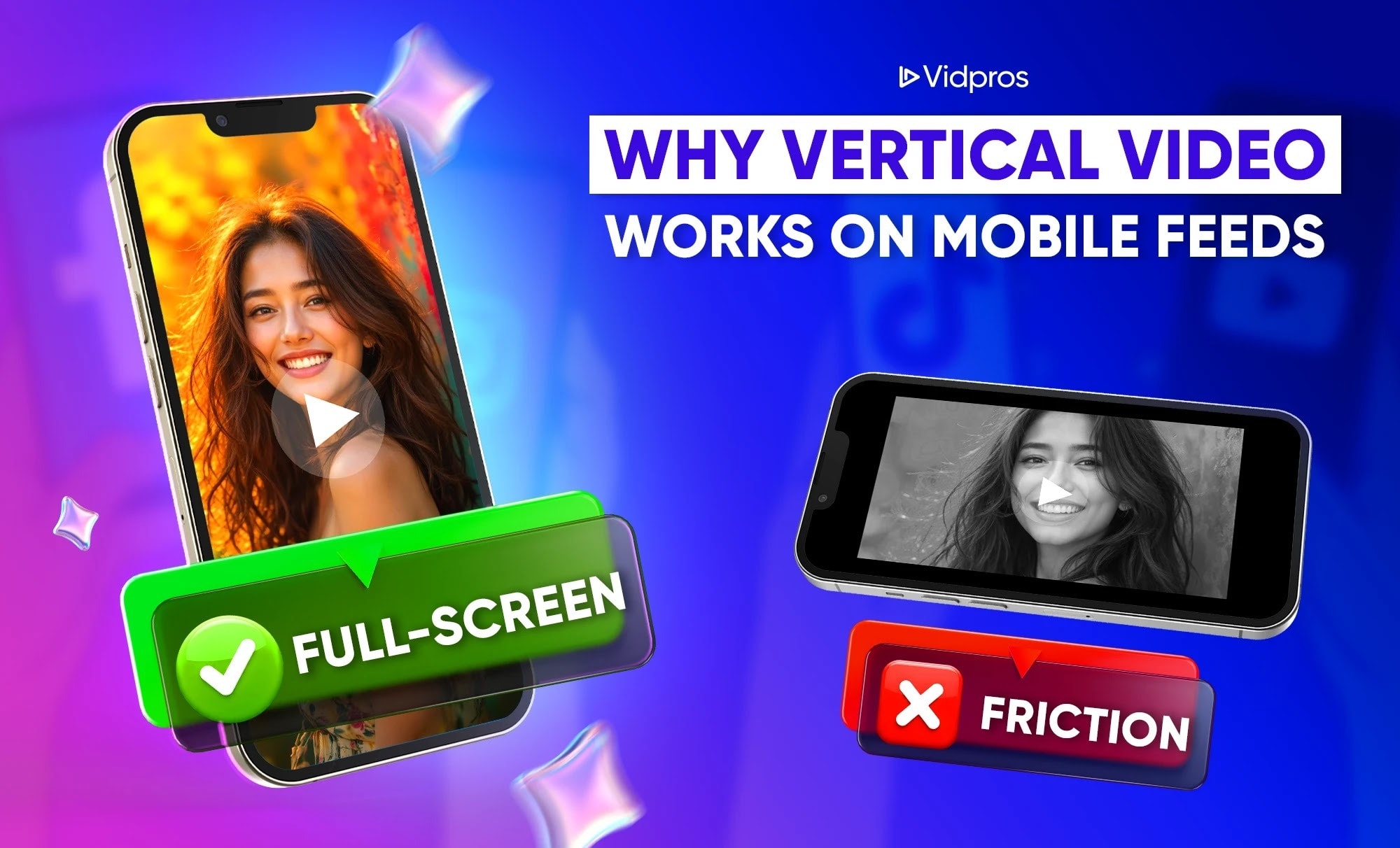
This part may sound obvious, but it’s worth saying out loud because it explains many performance issues.
My take on why vertical video works is simple: it’s about the way we use our phones.
It’s not just about the mobile dimensions being vertical; it’s all about removing friction.
It matches real behavior on mobile devices
Most people do not rotate their phones when viewing content in a feed. They tap, scroll, and decide fast.
So when a video fills the screen, it feels native. When it doesn’t, it feels like work.
Also, we are not guessing about where people spend their attention. That 18 hours and 36 minutes per week scrolling social and video feeds is the environment your marketing is trying to win inside.
Vertical ads can perform better because they reduce effort
This is one of my favorite “no fluff” proofs.
A study in the Journal of Interactive Marketing found that mobile vertical video ads increased consumer interest and engagement compared to horizontal video ads in a large-scale field study.
That doesn’t mean horizontal is dead. It means vertical fits the mobile environment better, and the environment matters.
Mobile is still the main screen
If your marketing strategy depends on people discovering you online, you’re playing a mobile game.
StatCounter’s worldwide platform share for January 2026 shows mobile at 51.29% versus desktop at 48.71%.
Even if your specific audience skews desktop, the big picture is clear: most content discovery is happening on phones.
Vertical Video Marketing That Actually Connects
Most brands make vertical videos more complicated than they need to be. They think that their only chance at success is to make videos with trending audio, participate in viral dances, or make videos like other creators.
But vertical video marketing actually works best if it does two things:
-
It seems natural to the viewers
-
It gives the viewers a clear next step.
If you need a more “business-oriented” reason to care, here’s something you can present in the boardroom: marketers continue to say that short-form videos provide the highest return on investment.
In 2026, HubSpot stated that short-form video offered the highest ROI at 49%. It surpassed long-form videos and live streaming.
According to Sprout Social, 41% of B2B marketers say short-form videos deliver the highest ROI.
Therefore, vertical videos are not just aesthetically pleasing. It’s the most effective way to package and present content that brings in the most profit.
A Simple Structure
The best way to do this is with a very clear structure:
Hook, proof, payoff, next step
You don’t need a lot of complicated planning; just focus on these elements.
This is a structure that we use all the time to stay focused:
-
Hook: the reason to keep watching
-
Proof: show the thing, don’t just claim it
-
Payoff: explain what it means
-
Next step: one clear CTA
Do you need a Vertical Video Editor or Just Better Templates?
People ask this a lot, and the honest answer is: it depends on what you’re producing. Even us at Vidpros understand this and don’t want our customers to feel like they are forced into something they might not need at the moment.
Also, a vertical video editor can mean two things. A tool, or a person.
When a tool is enough
I’ll give you my honest take. A tool-based setup usually works when:
-
You’re doing simple crops, captions, and quick edits
-
You’re not worried about heavy storytelling or pacing
-
You want fast output, and you’re fine with “good enough.”
Basically, if you’re mostly making simple vertical video content, this can be a solid starting point. But there’s a better option if you’re beyond that stage.
When a human vertical video editor makes sense
A human vertical video editor becomes a multiplier when you’re repurposing long-form content and need consistency. Our clients and partners have experienced this first-hand.
It helps when they:
-
want clips that feel intentional, not random
-
need multiple hook variations for testing
-
want consistent captions, framing, and creative style
-
don’t want editing to become your entire week
This is also where fractional editing can make a lot of sense. You get consistent output without needing a full studio setup.
Stop Sitting on Footage: Turn It Into Vertical Videos in One Week
If you have long-form content (podcasts, webinars, YouTube videos) and want it turned into regular vertical videos without spending your whole week in video editing software, then that’s what we’re here for. You will get your own editor, an easy way to get clean videos, and a fast way to publish videos.
Plus, an easy way to get started: Vidpros has a $100 trial that gives you 1 week of pro video editing, and you can choose either 10 short-form videos to get edited, or 1 long-form video. It’s a simple way to see what your content looks like when it’s actually being edited.
Frequently Asked Questions
What are the best vertical video dimensions for TikTok, Reels, and Shorts
For most brands, the safest vertical video dimensions are 9:16 at 1080×1920.
Why vertical video works better than horizontal on mobile
The short version of why vertical video works is friction. Vertical matches how people hold phones, so they don’t have to rotate their screen.
Does vertical video marketing work for B2B
Yes. Vertical video marketing works for B2B when you keep it simple. Clear hooks, quick proof, and direct next steps. Also, short-form video keeps showing up as a strong ROI format, including 41% for B2B marketers in Sprout Social’s reporting.
Should I hire a vertical video editor or use templates
If you’re posting simple clips and you enjoy the process, templates are fine. If you’re repurposing long-form footage, scaling output, or testing creatives, a dedicated vertical video editor usually saves time and improves consistency.