You know that moment when you open OBS Studio for a fast recording and suddenly you’re deep in a menu called “advanced output settings”?
That’s the energy behind ‘OBS alternatives’ searches.
OBS is great, but it can feel like bringing a full tool kit just to hang a picture. If you’re doing screen recording for a quick demo, video recording for a tutorial, or live streaming for a launch, you want the same thing: hit record (or go live), get a high-quality recording, and move on.
And honestly, that’s the real goal here. Consistency. You want recording software you’ll actually use without bracing yourself first.
If you already have a workflow where a team like Vidpros helps turn recordings into publish-ready edits. If you’re also exploring CapCut or other editing tools, check our reviews, the fastest win is simple: get clean footage with less friction, then let the editing happen without dragging your whole week down.
So here’s a straight list of the best OBS Studio alternatives that still make sense in 2026, plus the honest “this might bug you” notes people usually leave out.
How We Picked These OBS Alternatives
Before we jump into the list, here’s the filter we used so this doesn’t turn into a random pile of apps.
We prioritized tools that check at least a few of these boxes:
- Easy setup: You can be recording or live in minutes.
- Output quality: Clean files that are easy to edit later, ideally with separate audio.
- Guest workflow: Invite links, browser joins, fewer tech headaches.
- Performance: A solid option even on older machines, especially if you’re hoping for something closer to a lightweight screen recorder.
- Platform fit: Clear answers for Mac users, Windows users, or teams that need cross-platform availability.
- Room to grow: Advanced features and customization options when you need them, without forcing you into a steep learning curve on day one.
If you care about one thing more than the others, that’s normal. It’s why this list includes a mix of in-browser studios, desktop tools, and more feature-rich production apps.
Alright. Here’s the shortlist I’d actually send to a teammate.
Best OBS Alternatives That Actually Make Sense
Quick heads-up before the list. There’s no single best OBS alternative for everyone.
Some people want streaming solutions and a studio feel. Others just want a screen recorder that makes video tutorials painless. Some need to go live on multiple platforms simultaneously. Some just want to stop fighting their settings.
Use the “Best for” line under each tool as your shortcut. It’ll save you time.
StreamYard
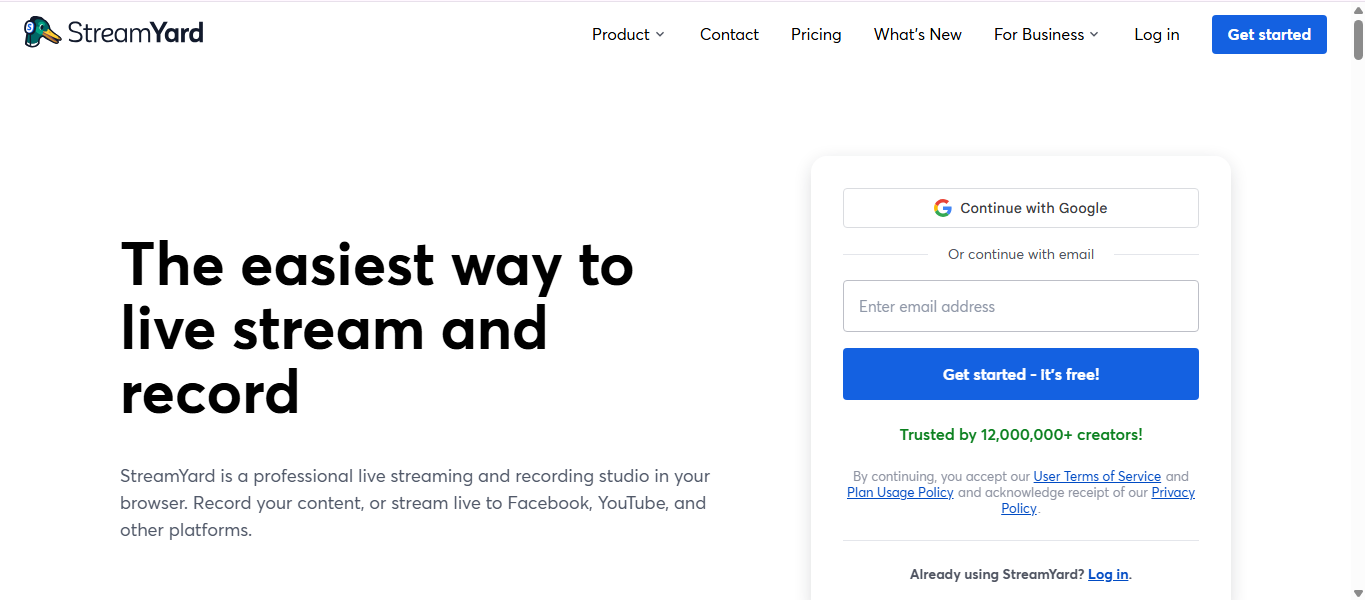
StreamYard is one of the fastest ways to get a polished live show without treating your setup like a weekend project.
Best for: marketing teams running webinars, interviews, and live Q and A
Why it’s a real alternative to OBS: It runs in your browser, and the flow is simple. Invite link, guests join, you broadcast live. Great for streaming video without a lot of setup.
Watch out: You’re trading control for speed. If you love tweaking every little encoder detail, this will feel more locked-in than OBS.
Quick setup tip: Run one private test, record it, and watch it back. You’ll fix lighting and mic levels in 10 minutes instead of mid-show.
Where it shines: if your priority is “look professional, go live fast,” this is a great OBS alternative.
Restream Studio
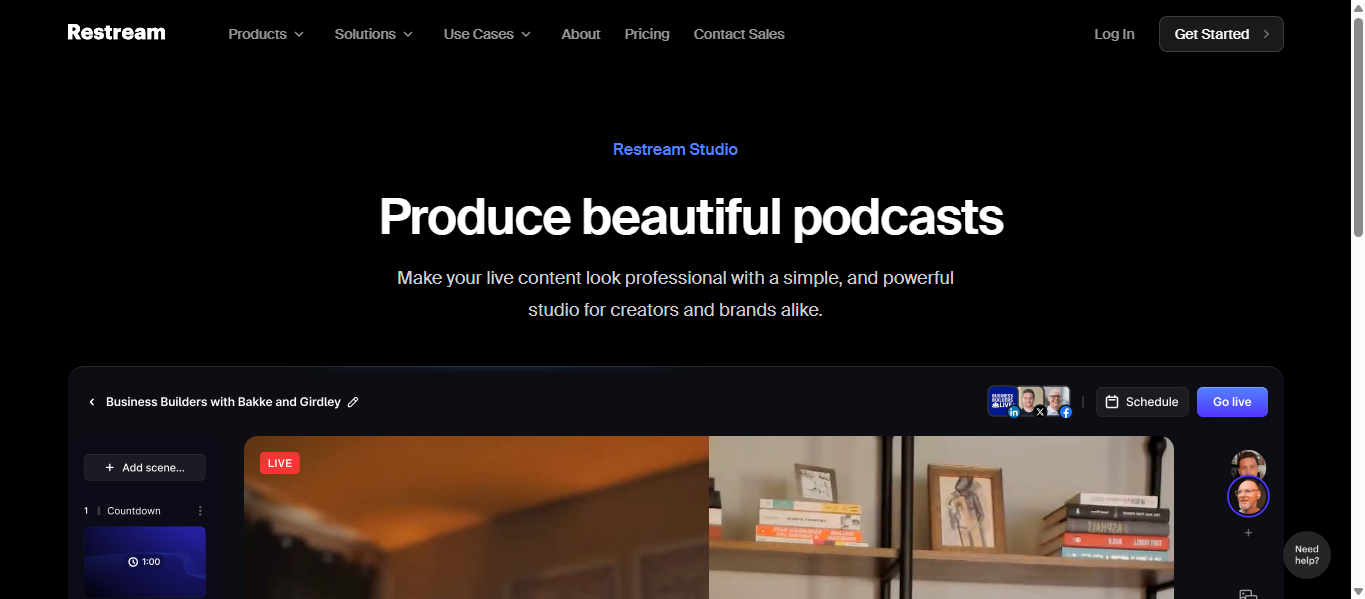
Restream Studio usually shows up when someone says, “We want to stream to multiple platforms, and we don’t want a complicated workflow.”
Best for: teams that want multistreaming and a clean in-browser studio
Why it’s a real alternative to OBS: It’s built around streaming to multiple platforms simultaneously, and the studio supports inviting guests so you can run interviews or panels without extra tools. It’s also a practical path if you’re doing Facebook Live plus another channel at the same time.
Watch out: Browser studios live and die by upload speed. If your internet is flaky, you’ll feel it.
Quick setup tip: Choose your destinations first, then build your layout. It keeps the whole show from turning into a “where did my overlay go” moment.
Honest take: if multistreaming is the main reason you’re switching, Restream is a very safe pick.
Riverside
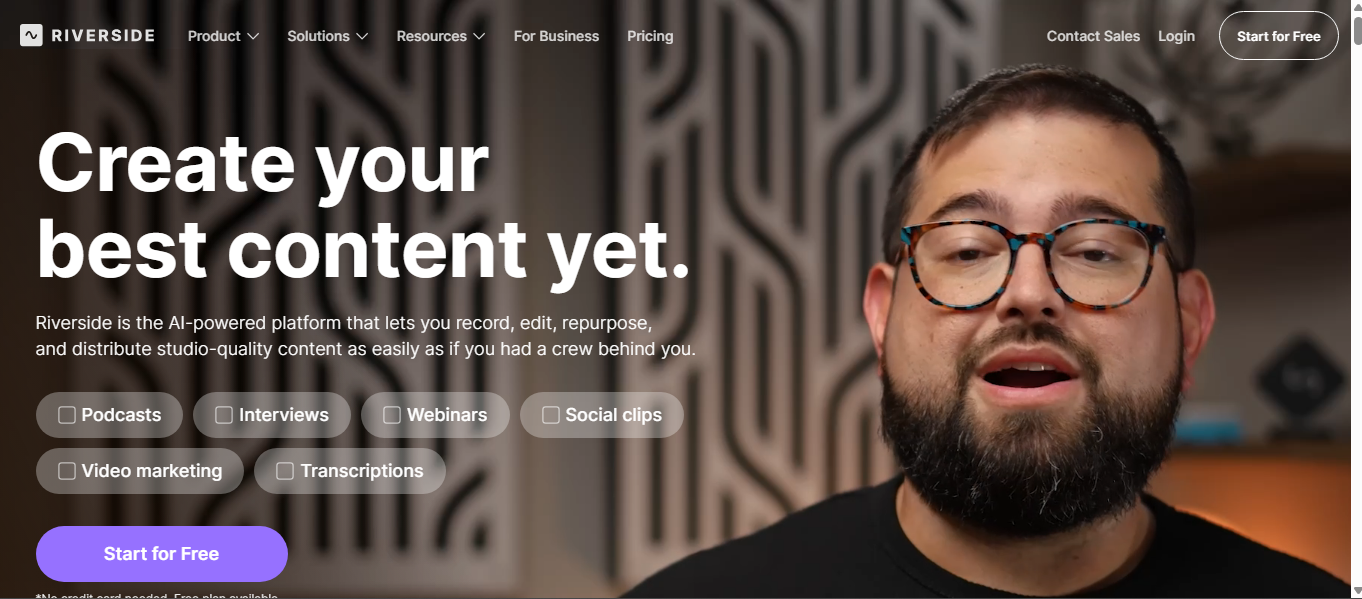
Riverside is a different flavor of software like OBS. It’s less “scene switching powerhouse,” more “give me clean files I can edit into 20 clips.”
Best for: podcasts, customer interviews, remote conversations, and content you’ll repurpose
Why it’s a real alternative to OBS: It’s designed around high-quality recording and clean output. If you edit later, separate audio tracks can save you hours. One loud guest does not ruin the whole recording.
Watch out: If you want complex live scene production, Riverside can feel like it’s missing some of the “studio knobs.”
Quick setup tip: After you record, upload the raw files to Google Drive immediately. It’s a small habit that prevents messy file handoffs later.
My perspective: for teams that care about editing and repurposing, Riverside makes the whole process feel calmer.
Ecamm Live (Mac)
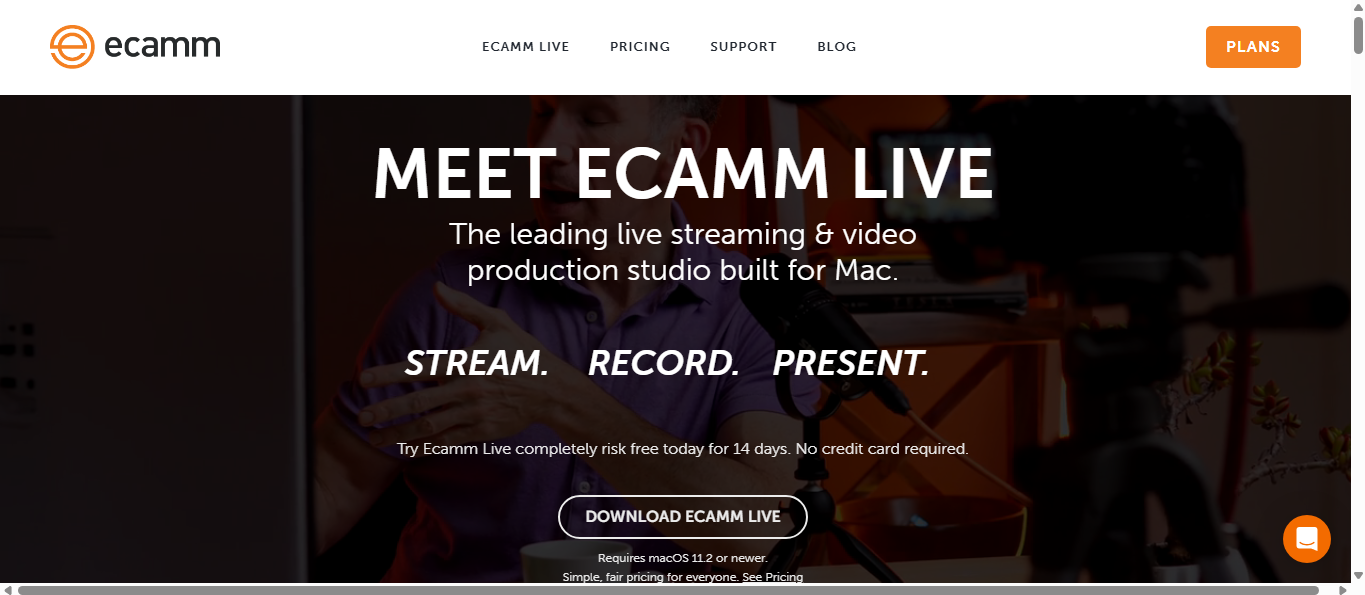
If you want the OBS alternative for Mac and you want a desktop studio that feels more approachable than OBS, Ecamm is a classic pick.
Best for: Mac users recording tutorials, product demos, and live sessions
Why it’s a real alternative to OBS: It’s built for video production on macOS and tends to feel simpler if OBS has a steep learning curve for you.
Watch out: Mac only. If your team is mixed devices, that matters.
Quick setup tip: Build one reusable template with 3 scenes: intro, main, and outro. You’ll speed up fast because you stop rebuilding every recording.
If I’m being picky, Ecamm is a great software like OBS when you want a desktop app, but you still want it to feel friendly.
vMix (Windows)
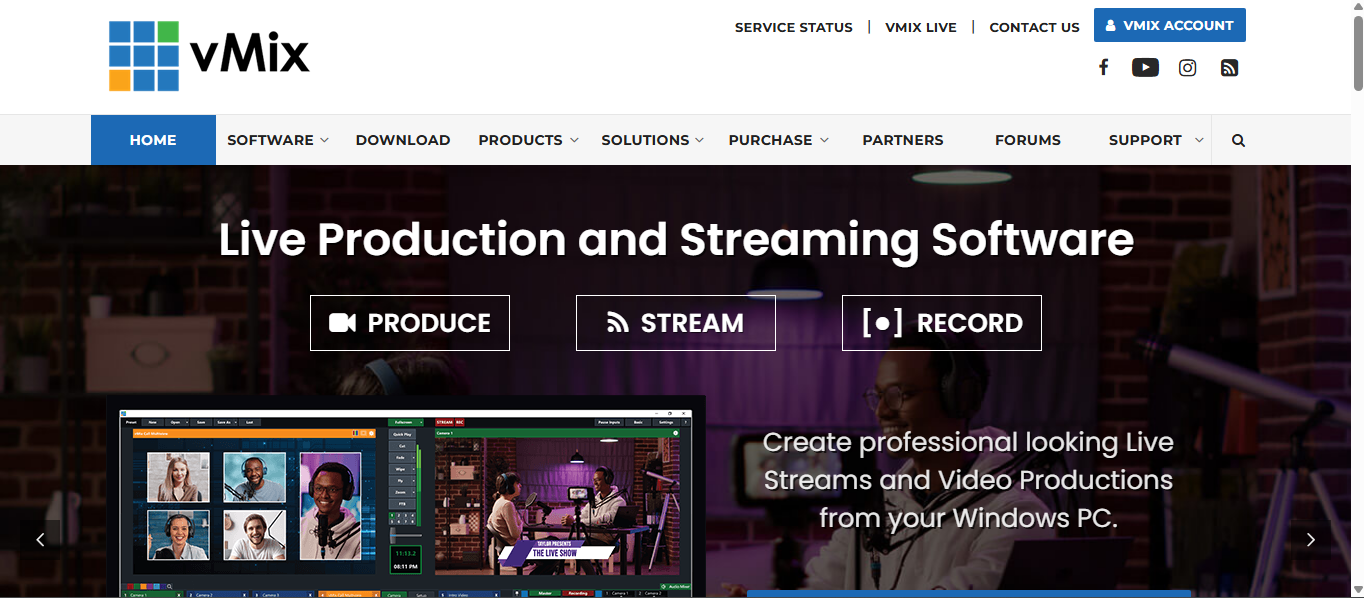
vMix is the tool you move to when you want a real production switcher on Windows. It’s not trying to be cute. It’s trying to be capable.
Best for: agencies, events, multi-cam shows, and teams that need multiple inputs
Why it’s a real alternative to OBS: It’s a full production suite with plenty of advanced features. If you need a more feature-rich workflow, vMix is built for it.
Watch out: There’s still a learning curve. It’s not “instant simple,” especially if you’re new to production-style switching.
Quick setup tip: Start with only three inputs: camera, screen share, and one graphic. Get one clean run done before adding more.
Where it fits: if OBS feels limiting more than confusing, vMix is a natural step up.
Wirecast (Mac + Windows)
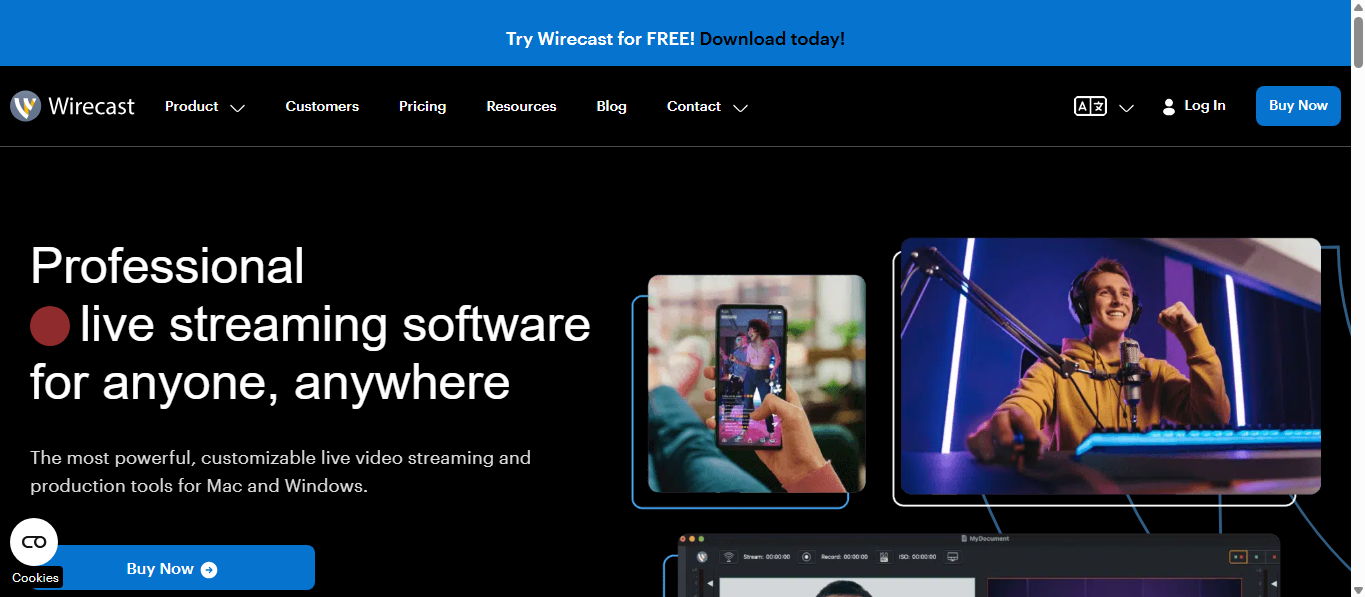
Wirecast sits in that pro studio category. It’s the kind of tool teams pick when production value matters and they want a mature workflow.
Best for: professional live streams, branded events, polished business presentations
Why it’s a real alternative to OBS: It’s built for professional production workflows and has depth that teams expect, especially around switching and polish.
Watch out: Pricing and licensing can vary by plan and version. If you’re comparing a premium version or a pro version, check what’s included so you’re not surprised later.
Quick setup tip: Build a simple transition pack you’ll reuse. If you like animated transitions, test them in a real recording first, not five minutes before you go live.
My take: Wirecast is for teams that care about production quality and are okay investing time to get it dialed in.
Streamlabs Desktop
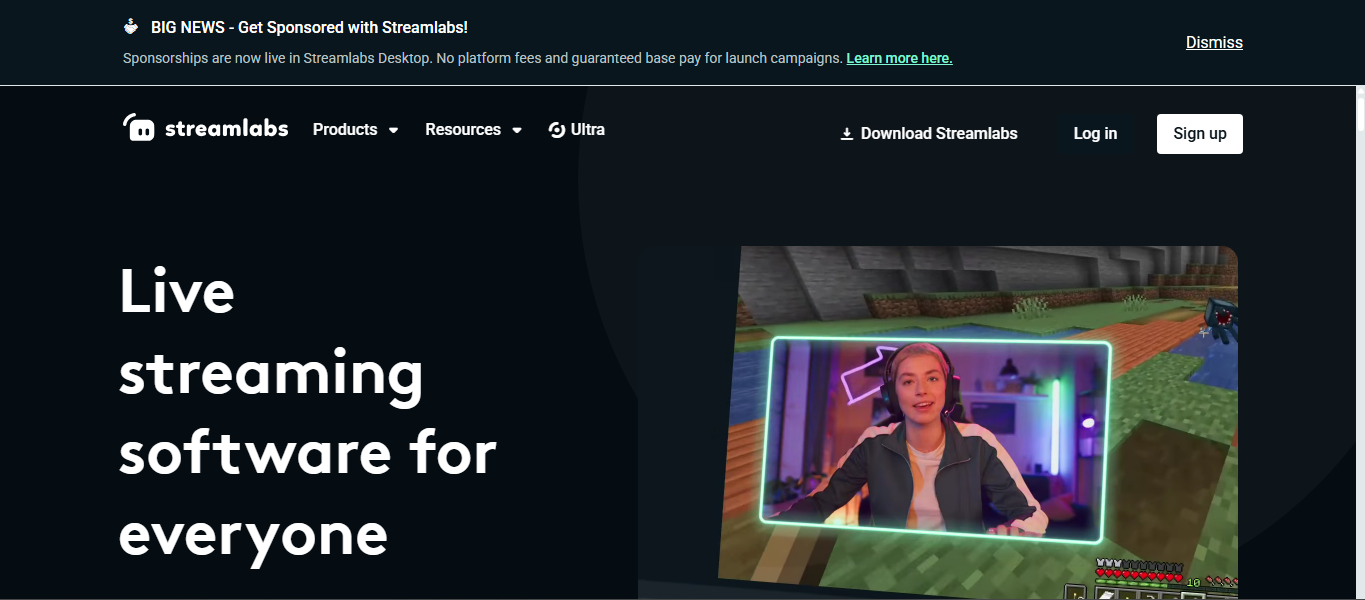
Streamlabs Desktop is where a lot of people land when they want something similar to OBS, but more guided and beginner-friendly.
Best for: creators who want a familiar desktop workflow with more hand-holding
Why it’s a real alternative to OBS: It’s designed around streaming setups, quick onboarding, and a more guided studio feel. It can be a user-friendly OBS alternative for those who want to move faster.
Watch out: It can be resource-intensive on some machines. If you’re on low-end PCs, keep your setup simple and avoid stacking extra elements.
Quick setup tip: Pick one clean layout, then stop adding stuff. Widgets are fun until you’re troubleshooting lag.
Straight answer: Streamlabs Desktop is a solid option if your main pain is setup overload and you want to get going quickly.
Meld Studio
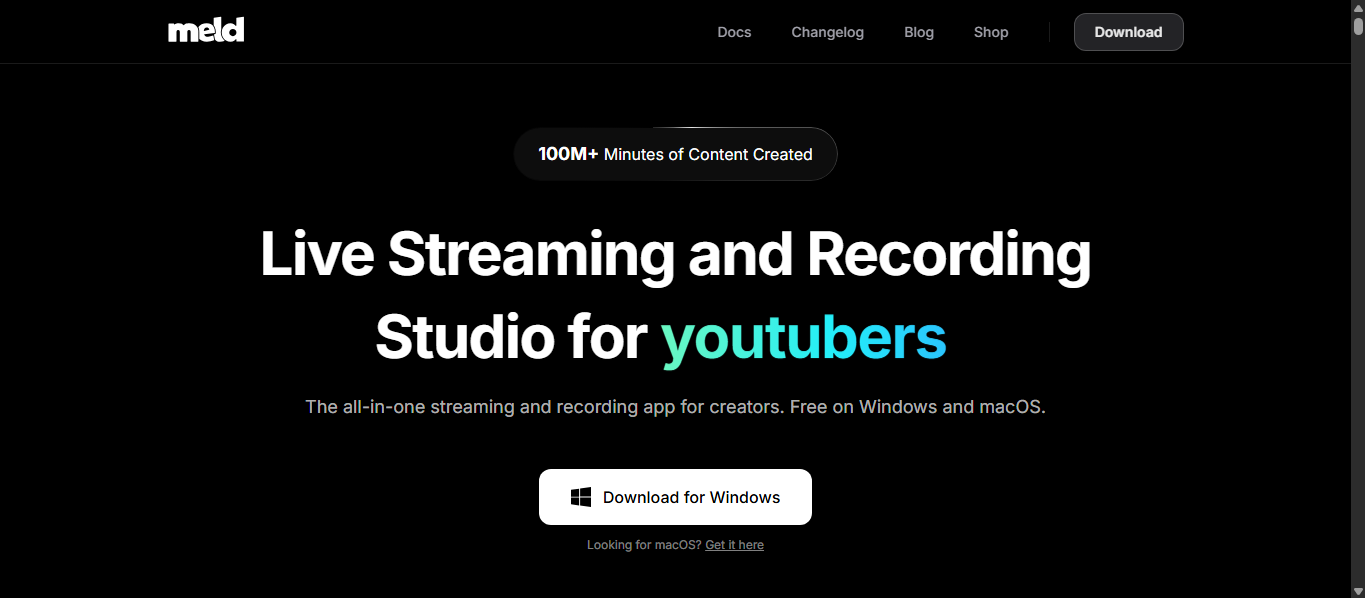
Meld is the modern take in this list. It’s aimed at people who like the idea of OBS, but want fewer add-ons and less setup friction.
Best for: creators who want a streamlined studio experience with modern defaults
Why it’s a real alternative to OBS: It’s positioned as an all-in-one solution, with common workflows easier to access. That means less hunting around for “the right plugin.”
Watch out: Newer ecosystem means fewer third-party extras than OBS Studio.
Quick setup tip: Start with two scenes only: camera and screen share. Nail those first, then add a webcam overlay style or branding if you actually need it.
The vibe: Meld feels like “software similar to OBS” for people who want fewer moving parts.
Lightstream Studio
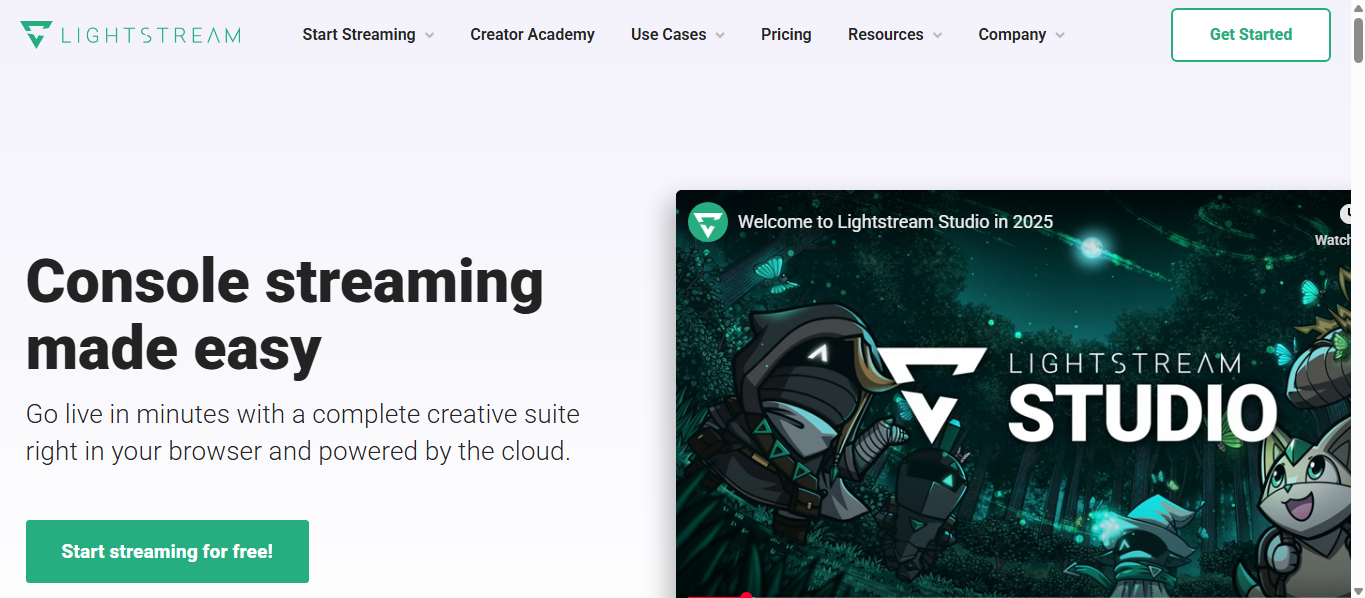
Lightstream Studio is for people who want a cloud-based approach. It’s popular for lighter setups, and often for creators who want overlays without building a full streaming PC stack.
Best for: cloud workflows, console-friendly setups, fast branded overlays
Why it’s a real alternative to OBS: It runs in the browser, it often integrates cleanly into simple workflows, and it’s built around looking polished with less local setup.
Watch out: Internet quality matters more than your GPU. If your connection is unstable, it can get frustrating.
Quick setup tip: Create one overlay set with your logo, colors, and lower third. Reuse it every time so your show stays consistent.
My opinion: Lightstream is the “keep it simple but look legit” choice.
XSplit Broadcaster
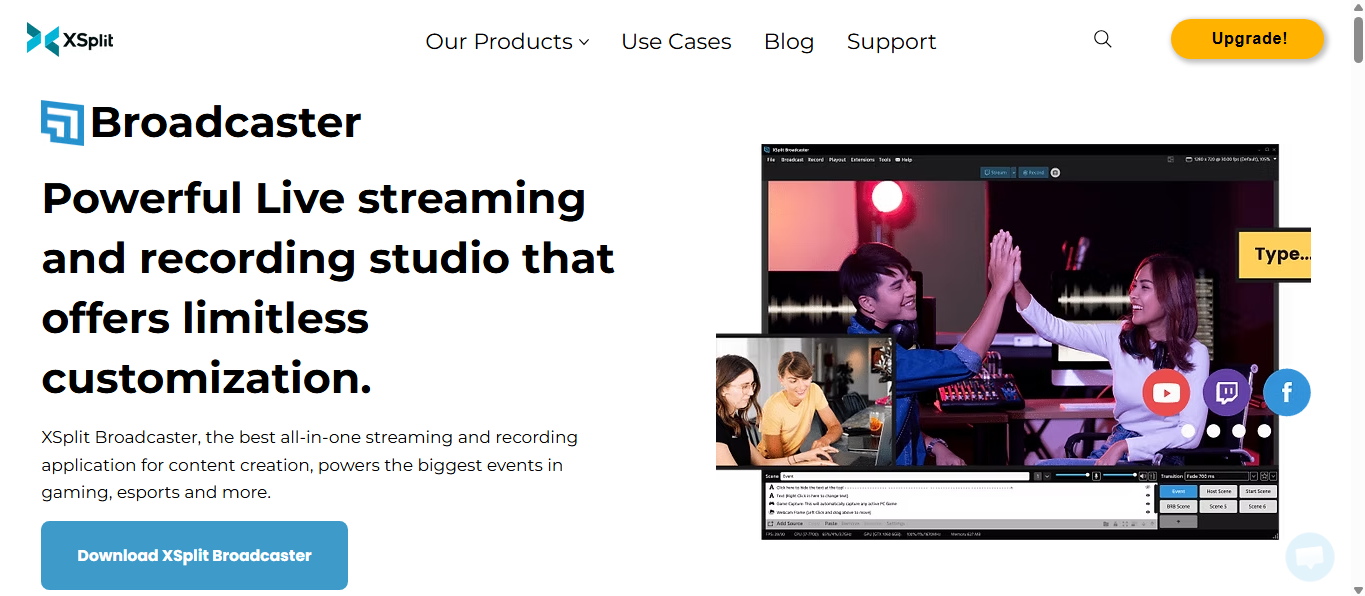
XSplit Broadcaster is a Windows option that keeps showing up because it’s straightforward for streaming and recording workflows, especially if you want a more guided studio feel.
Best for: Windows creators doing gameplay recording, tutorials, and streaming
Why it’s a real alternative to OBS: It’s built around broadcasting and recording from day one, and it feels like a comfortable studio experience for many streamers.
Watch out: The free version can have limitations depending on what settings you need. Watch for watermarks or constraints like resolution caps and possible time limits based on the plan.
Quick setup tip: Do a 5-minute test recording with your real settings, then watch it back at 1.5x speed. You’ll catch issues fast.
If you want a simple desktop studio on Windows, XSplit Broadcaster is a dependable choice.
Picked Your OBS Alternative? Now Turn That Footage Into Content
Once you’ve picked one of these premium and free OBS alternatives, the next step is getting real mileage out of the footage.
One suggestion from experience: don’t stop at “recorded the video.” If you’re trying to grow, one recording should help you create videos for more than one channel, with consistent pacing, clean cuts, and the right editing tools applied after the fact.
If you want help with that, Vidpros has a $100 trial – 1 week of professional video editing. You can choose 10 short-form videos or 1 long-form video, depending on what you’re building right now.
One good recording session can carry a week of content. You just need the right recording setup and an editing workflow that doesn’t stall.